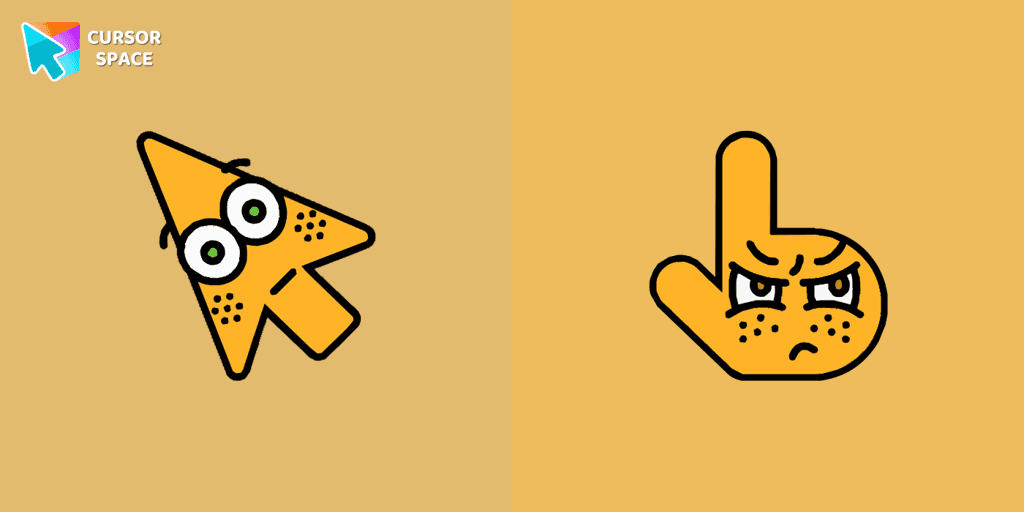
Surprised cursor
32Free
The Surprised Cursor is a fun custom cursor for Google Chrome that adds a quirky touch to your browsing. Enjoy an animated surprised face for a unique experience.
Install the Cursor Space extension for Chrome or Cursor Space for Edge in your browser.
On this page, click "Add this cursor pack to the extension".
Open the extension and go to the Packs tab.
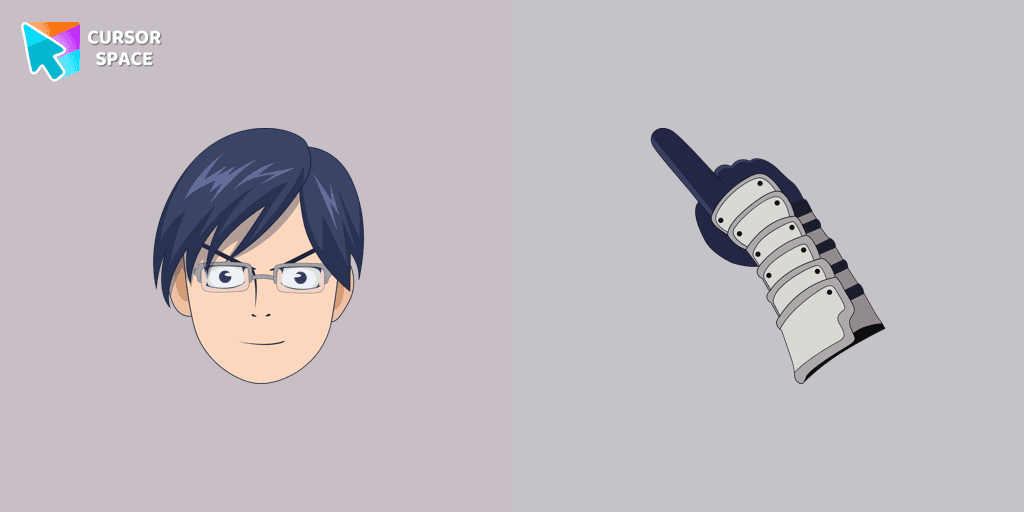
Find the custom cursor pack "Tenya Ida cursor" and click it.
Enjoy!
Get this cursor pack and thousands of others by installing our extension. It's fast and free!
Tenya Ida Cursor is a themed cursor pack you can add to your browser to personalize your pointer across common cursor states (default and pointer). Use it for everyday browsing, streaming, studying, or gaming-anywhere you want your cursor to match your vibe.
See how the cursors look before installing.
Add the pack to the extension in a few clicks.
Designed for Chrome and Edge via the extension.
Quick answers to common questions about cursor packs, collections, and installation.
Yes. To apply cursor packs in Chrome or Edge, install the Cursor Space extension and add this pack to it.
Cursor packs are designed for Chromium browsers like Chrome and Microsoft Edge.
Open the extension, choose another pack or disable the current one to return to your default cursor.
Custom cursor and packs - neon, anime, pixel art. Quickly add to Chrome and Microsoft Edge for free
The Surprised Cursor is a fun custom cursor for Google Chrome that adds a quirky touch to your browsing. Enjoy an animated surprised face for a unique experience.
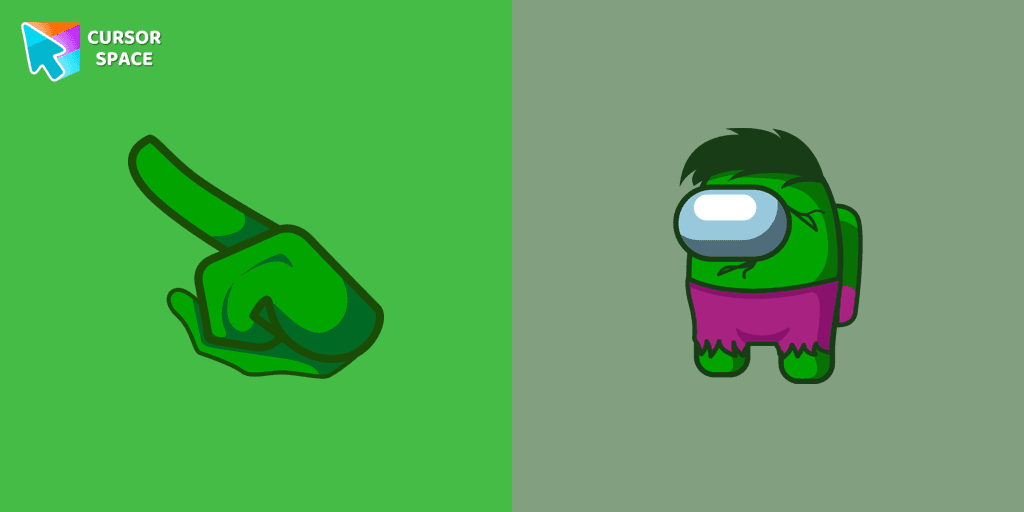
Transform your Among Us experience with the Hulk custom cursor for Google Chrome. Add a powerful Marvel touch and unleash your inner Hulk while navigating the game.
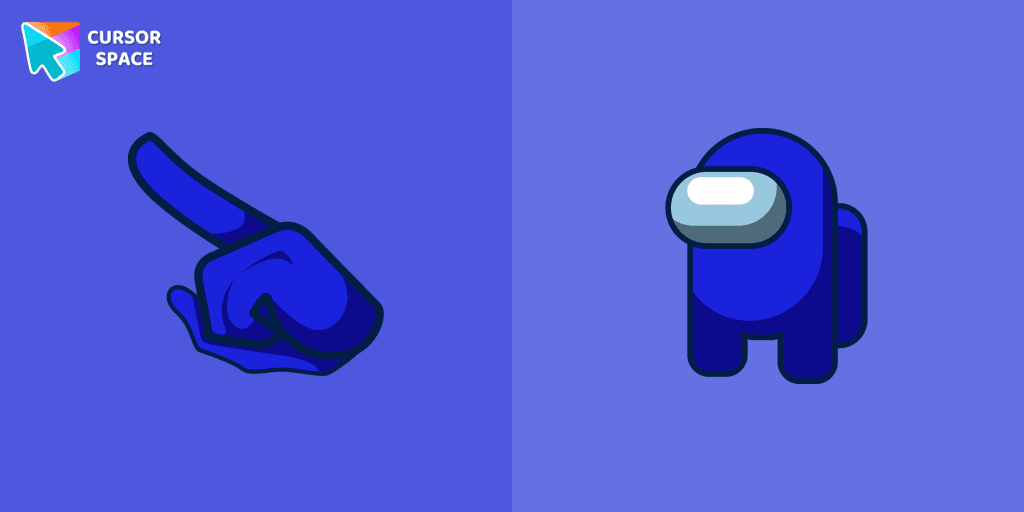
Blue Among Us Character is a custom cursor from our custom cursors collection for Chrome. There are 18 different colors that players can choose in the lobby during the game.

Enhance your browsing with a cheerful touch using a custom cursor for Google Chrome. Bring joy to your screen with a fun and vibrant custom cursor.
Experience the excitement of custom cursor for Google Chrome with the Among Us Squid Game Gi-Hun Character cursor. A fun blend of two worlds!
Upgrade your browsing with a custom cursor for Google Chrome. Experience the unique Among Us Naruto character cursor, blending Naruto with Among Us for a fun, engaging experience.

The Itachi Uchiha character cursor is very attractive and appealing to players who are fans of Naruto Shippuden.
Enhance Your Among Us Gaming Experience with the Bart Simpson Character Cursor
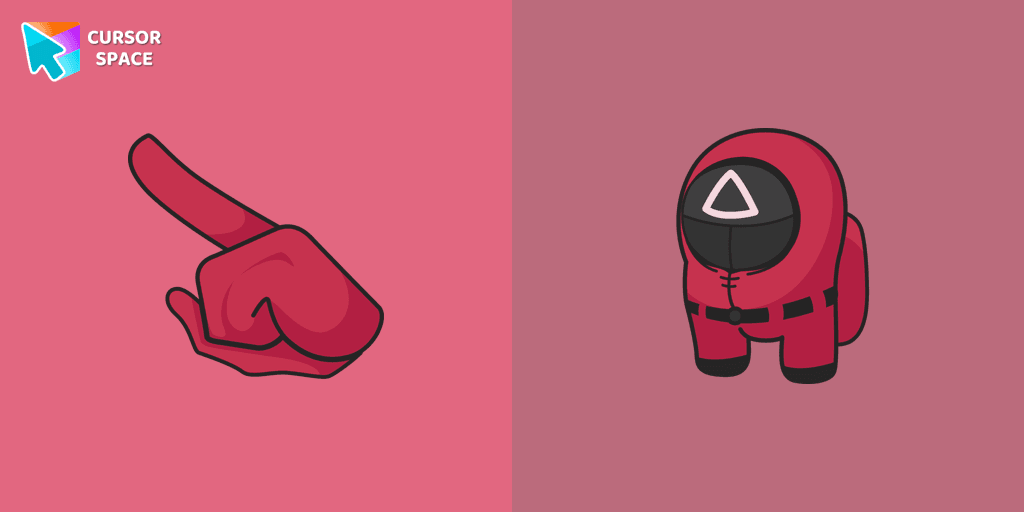
Get the custom cursor for Google Chrome featuring the Among Us Squid Game Soldier. A perfect blend of two iconic worlds for your browsing experience
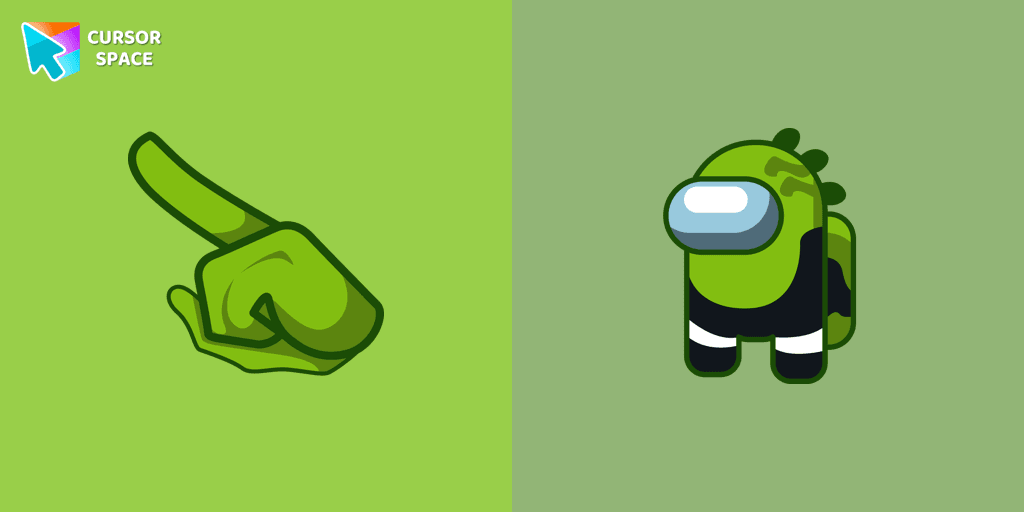
Unleash Your Inner Imposer with the Among Us Reptile Character Cursor
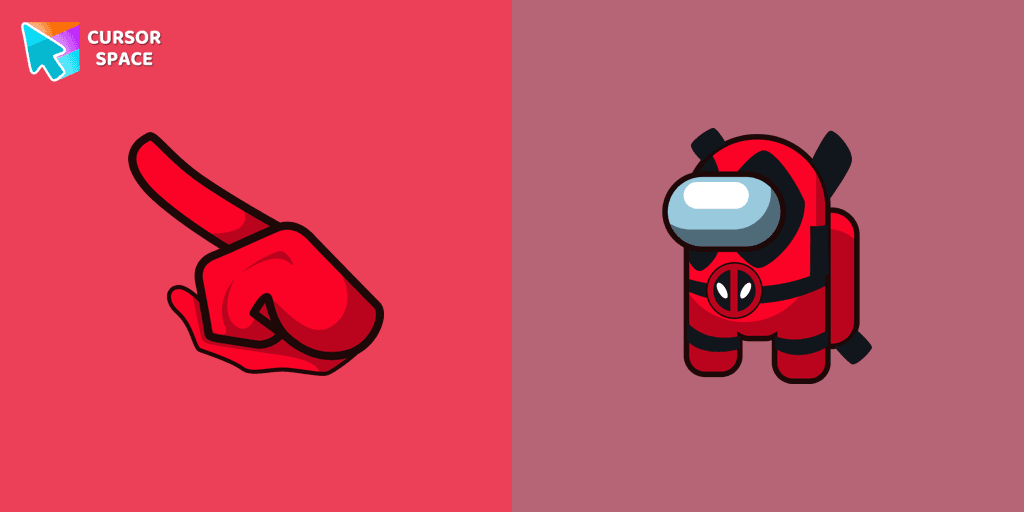
Meet Among Us Deadpool cursor for Chrome in a custom cursors collection with Among Us for mouse and pointers.
Installation leaders from "My Hero Academia Cursors": free packs, neon/anime/pixel art, quick add to Chrome and Edge.
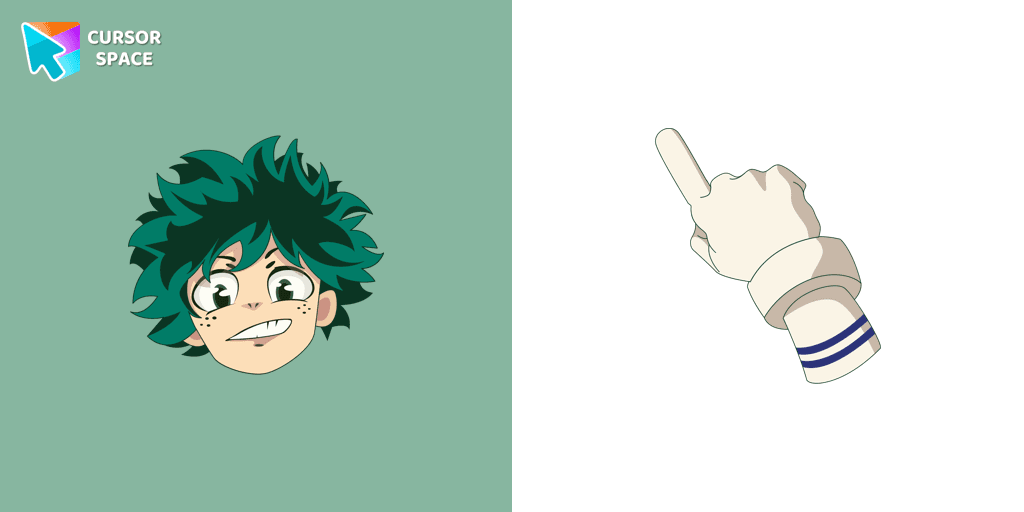
Izuku Midoriya cursor element is a cute custom mouse and pointer cursor with stylish pointing.
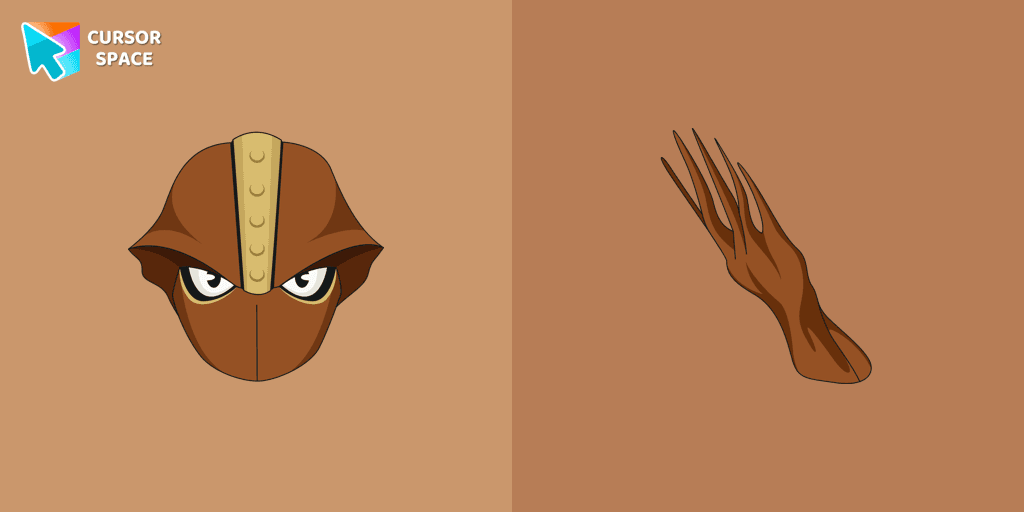
The Shinji Nishiya custom cursor from our custom cursors collection for Chrome will change your default mouse pointer to My Hero Academia character.

Our My Hero Academia custom cursors collection for Chrome will allow you to use Yu Takeyama character as a custom cursor for mouse and pointer.
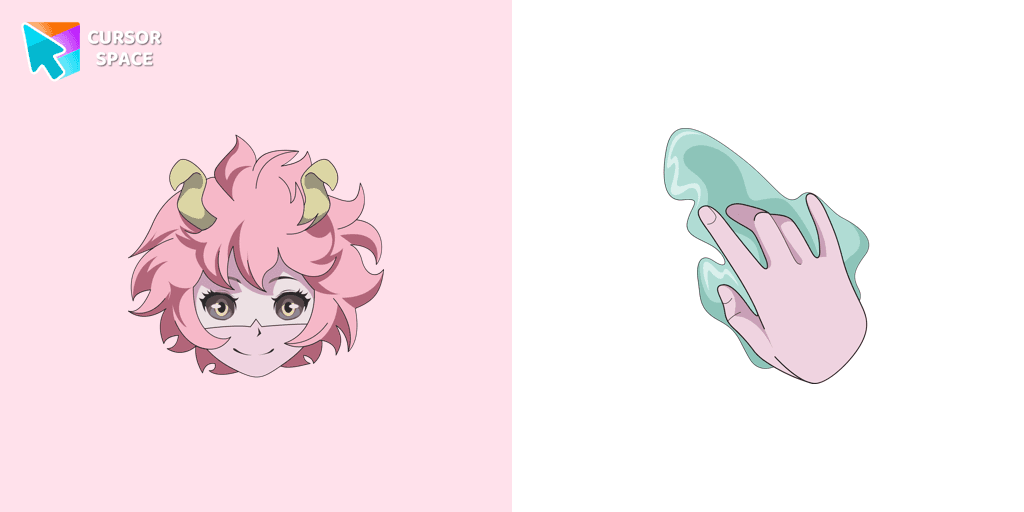
Meet the Mina Ashido cursor for Chrome in a My Hero Academia custom cursors collection for mouse and pointers.
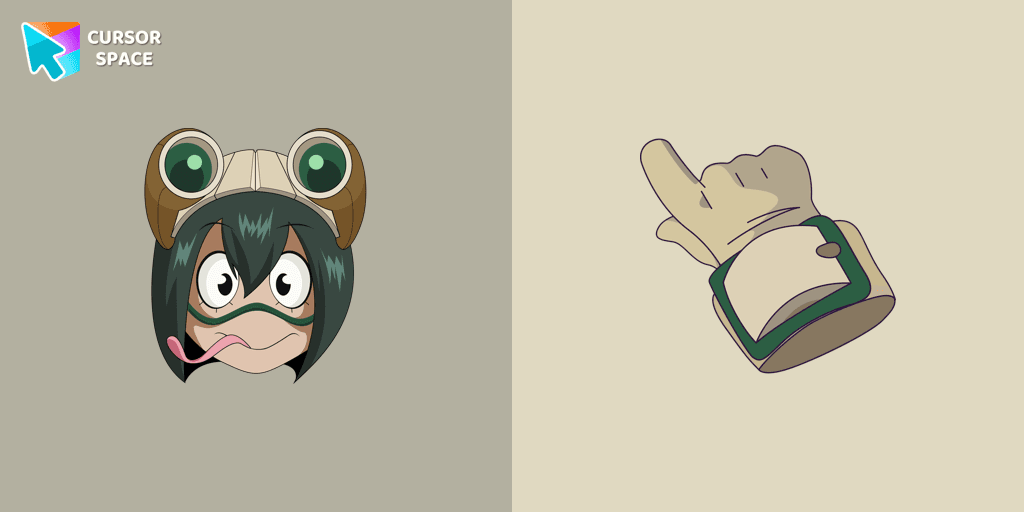
Tsuyu Asui custom cursor from our My Hero Academia cursors collection for mouse and pointer.
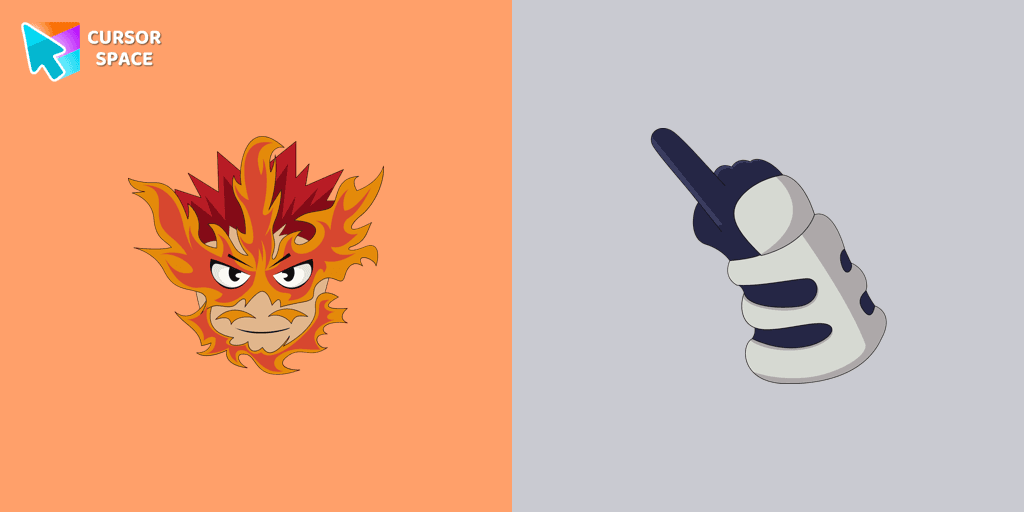
Enji Todoroki cursor and pointer in our adorable custom cursors collection with My Hero Academia.
Cute custom cursors collection with My Hero Academia we depicted the Tetsutetsu Tetsutetsu as a custom cursor for the browser in beautiful graphics.
Сustom cursor with Izuku Midoriya in Deer Suit and a Christmas candy as a hover in a set of My Hero Academia cursors for Chrome.
Ochako Uraraka in a tiger suit custom cursor for the mouse from My Hero Academia cursor collection for Chrome.
Custom cursor with Nezu is a good opportunity to change the familiar mouse to the extraordinary cursors from My Hero Academia cursors collection for Chrome.
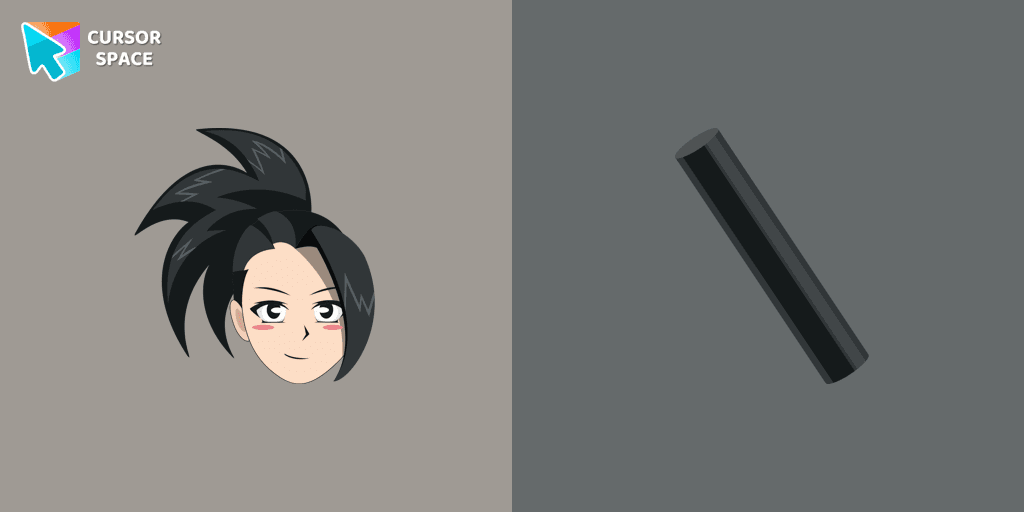
Create your own mood with the custom cursor with Momo Yaoyorozu from our My Hero Academia custom cursors collection for Chrome.
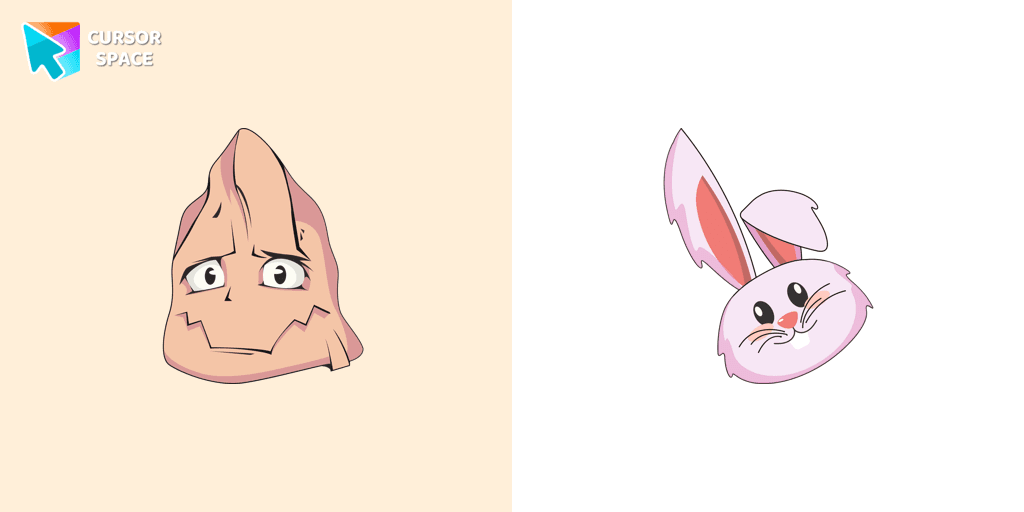
Add a custom cursor with Koji Koda to the collection of custom cursors with avengers for the browser.
Add packs instantly and unlock access to thousands of cursors: neon, anime, pixel-art, and more. Fast, safe, and free.
Cursor Space is an extension for changing your mouse cursor in Chrome and Edge browsers: themed collections, HiDPI icons, neon, animated, and pixel cursors, with quick installation.