
Kevin Hart cursor
23Free
Kevin Hart lends his iconic voice to a brand new animated movie, where he plays the role of a witty and energetic cursor.
Install the Cursor Space extension for Chrome or Cursor Space for Edge in your browser.
On this page, click "Add this cursor pack to the extension".
Open the extension and go to the Packs tab.
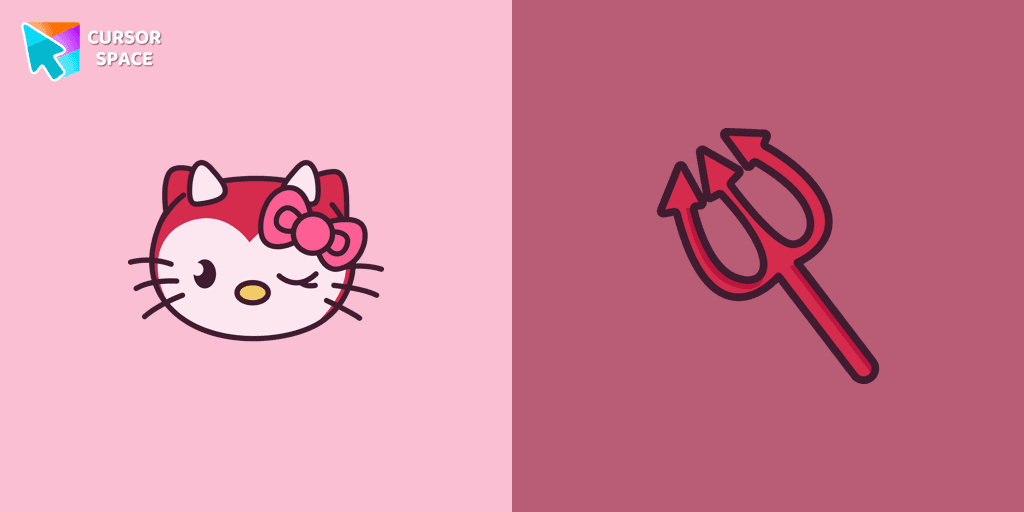
Find the custom cursor pack "Hello Kitty Devil cursor" and click it.
Enjoy!
Get this cursor pack and thousands of others by installing our extension. It's fast and free!
Hello Kitty Devil Cursor is a themed cursor pack you can add to your browser to personalize your pointer across common cursor states (default and pointer). Use it for everyday browsing, streaming, studying, or gaming-anywhere you want your cursor to match your vibe.
See how the cursors look before installing.
Add the pack to the extension in a few clicks.
Designed for Chrome and Edge via the extension.
Quick answers to common questions about cursor packs, collections, and installation.
Yes. To apply cursor packs in Chrome or Edge, install the Cursor Space extension and add this pack to it.
Cursor packs are designed for Chromium browsers like Chrome and Microsoft Edge.
Open the extension, choose another pack or disable the current one to return to your default cursor.
Custom cursor and packs - neon, anime, pixel art. Quickly add to Chrome and Microsoft Edge for free
Kevin Hart lends his iconic voice to a brand new animated movie, where he plays the role of a witty and energetic cursor.
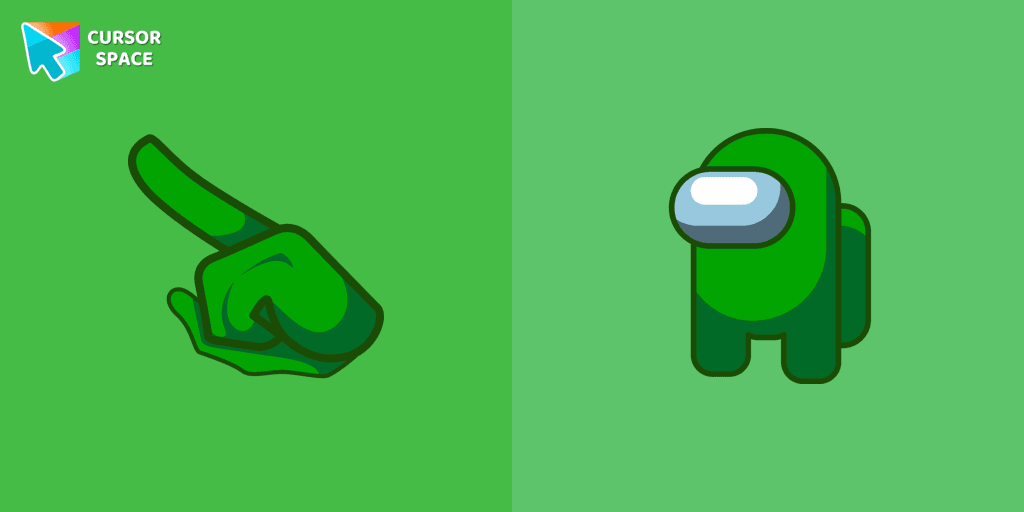
Green is a color that symbolizes vitality, growth, and unity. When you equip the Among Us Green Character Cursors, you instantly add a burst of energy and vibrancy to your gaming session.
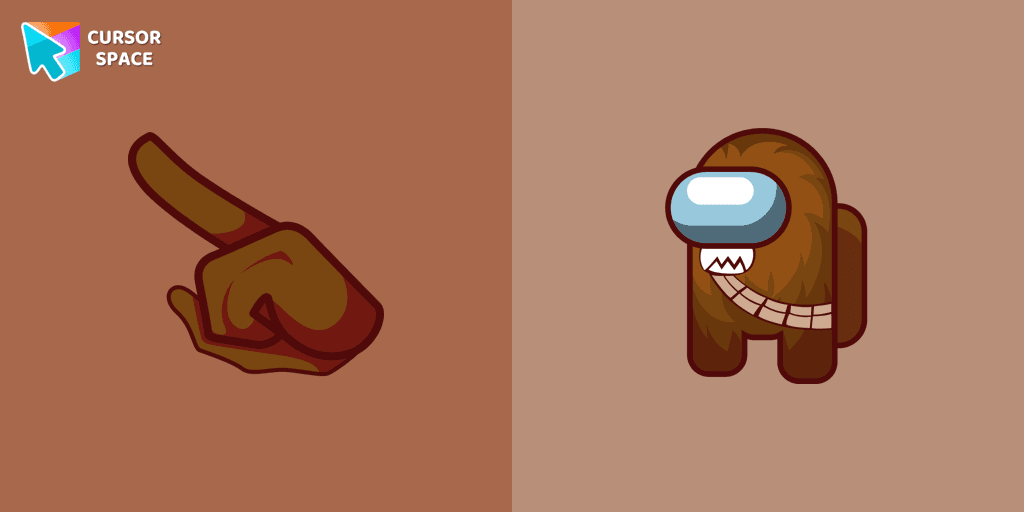
The Chewbacca character cursor is a highly sought-after customization option in Among Us.
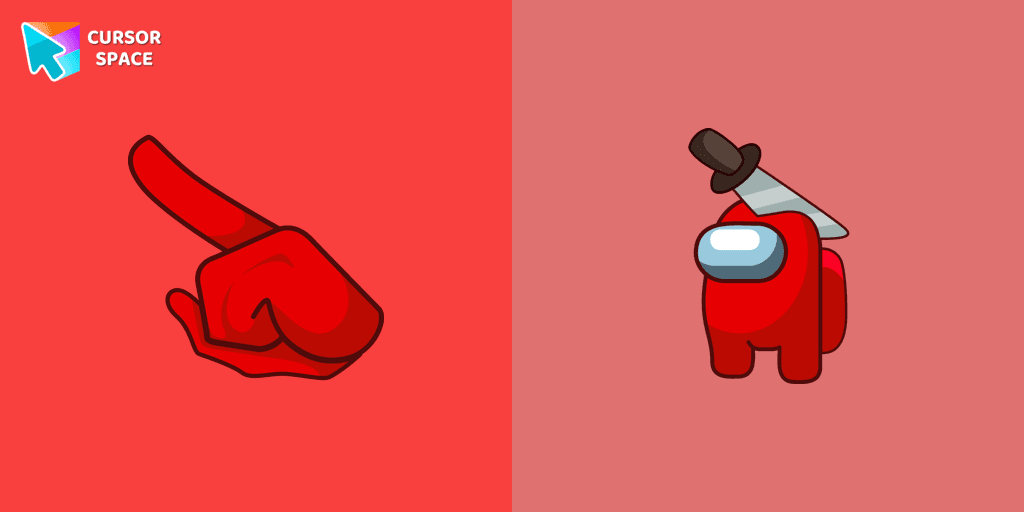
Embrace the Spookiness: Unveiling the Among Us Red Character with Halloween Hat Cursor

Enhance your browsing with a custom cursor for Google Chrome inspired by the Discord logo. Perfect for fans looking to refresh their cursor experience.
Enhance your browsing experience with the Cala Maria custom cursor for Google Chrome. This animated cursor brings the iconic Cuphead character to life on your screen.
Fans of Among Us and Squid Game can now enjoy the unique custom cursor for Google Chrome featuring the Oh Il-Nam character. Upgrade your browsing experience today!
Experience the excitement of custom cursor for Google Chrome with the Among Us Squid Game Gi-Hun Character cursor. A fun blend of two worlds!
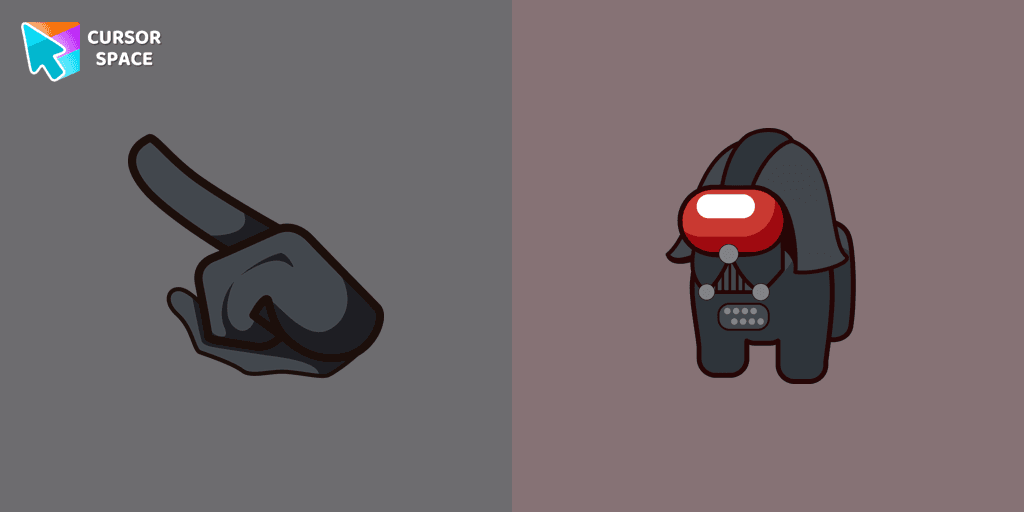
Among Us Darth Vader Character Cursor - Embracing the Dark Side in the Cosmic Deception
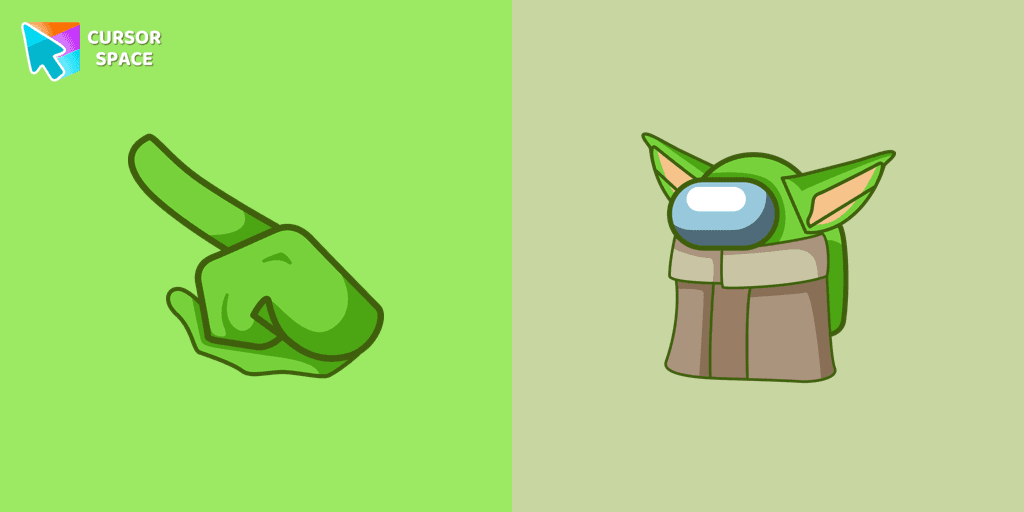
Among Us Baby Yoda Character Cursor - Unleashing the Cuteness and Mischief in Outer Space
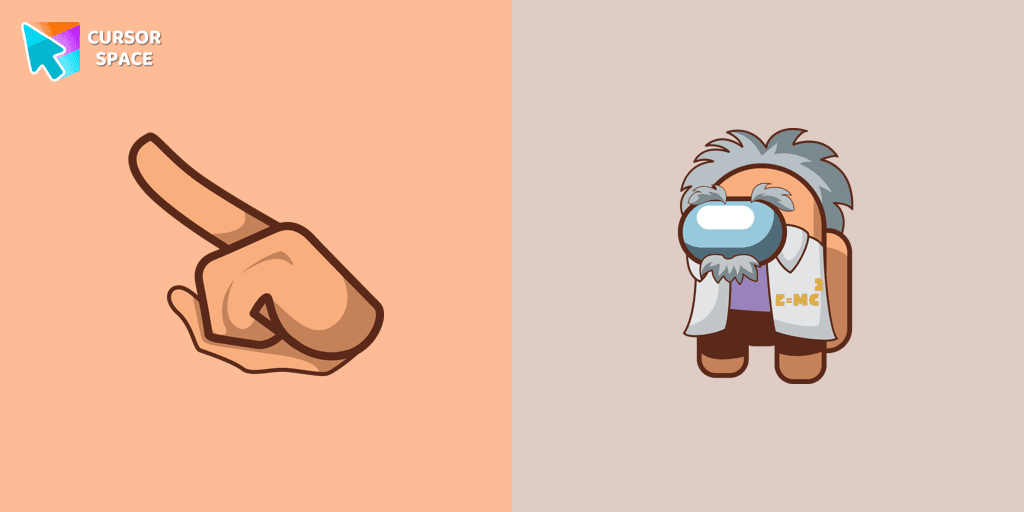
Add Some Brainpower to Your Browsing Experience with the Among Us Albert Einstein Cursor
Installation leaders from "Hello Kitty": free packs, neon/anime/pixel art, quick add to Chrome and Edge.
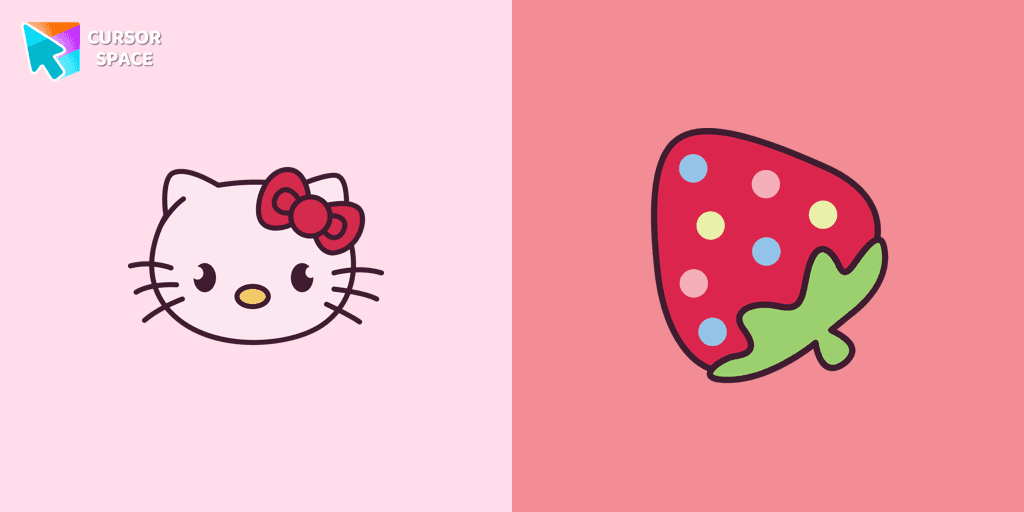
You can are able to select different outfits for your custom cursor with Hello Kitty to customize the looking.
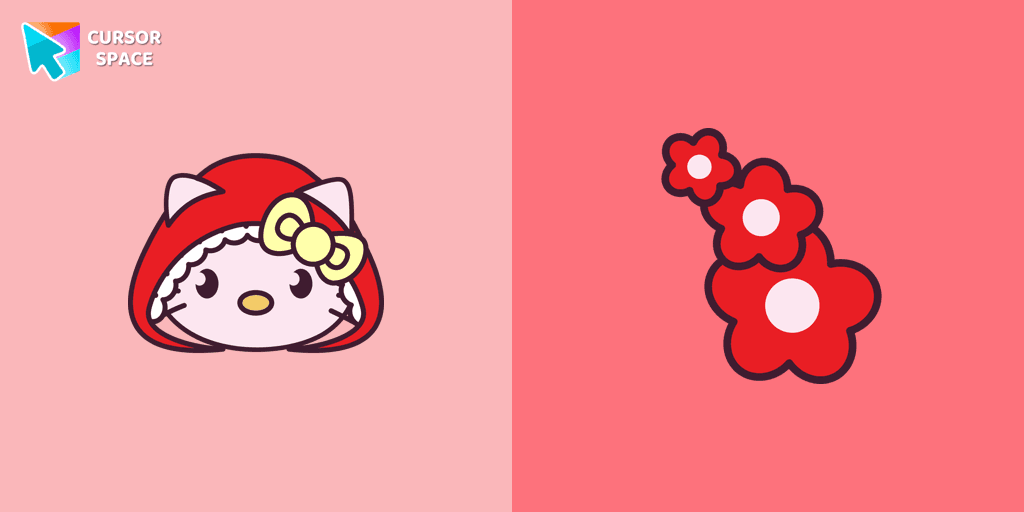
Add Red Riding Hood cursor in the collection of custom cursors with Hello Kitty for the browser.
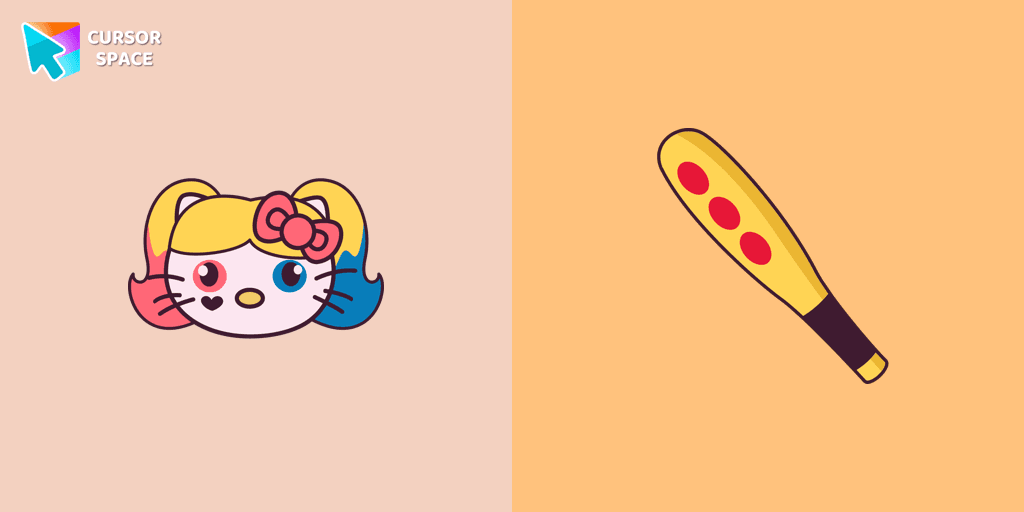
Harley Quinn Kitty Cursor was created especially for Halloween for our Hello Kitty custom cursors collection for Chrome.
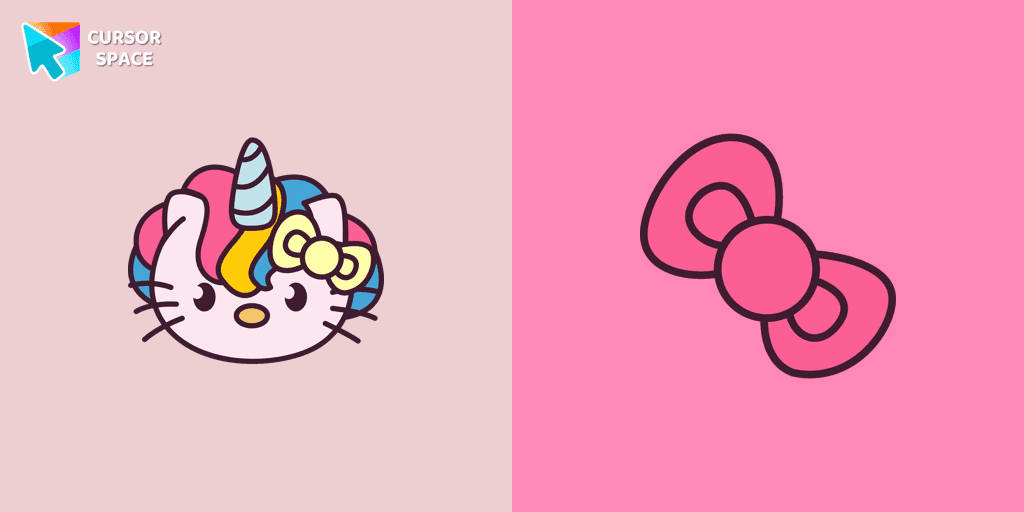
Meet the custom cursor with Hello Kitty as a unicorn for Chrome in a Hello Kitty custom cursor collection for mouse and pointers.
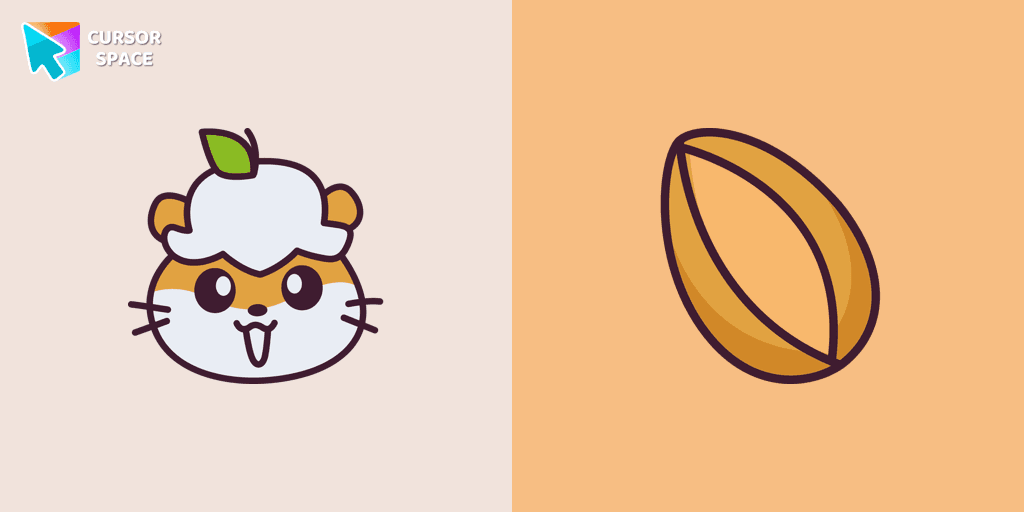
Use a cute hamster as a custom cursor for mouse and pointer from our Hello Kitty custom cursors collection for Chrome.
Is a Sanrio character who is a monkey. If you want to change the default cursor to Chi Chai Monchan, you are welcome to our collection of cursors Hello Kitty in a variety of moods.
Landry pointer for mouse and a funny rubber duck cursor in our custom cursor collection for mouse and pointer in Hello Kitty design.
Add a Monkichi cursor from our custom cursors collection for mouse and pointer in Hello Kitty design.
We are glad to present this elegant custom cursor with My Melody from the adorable custom cursors collection for the mouse and pointer Hello Kitty.
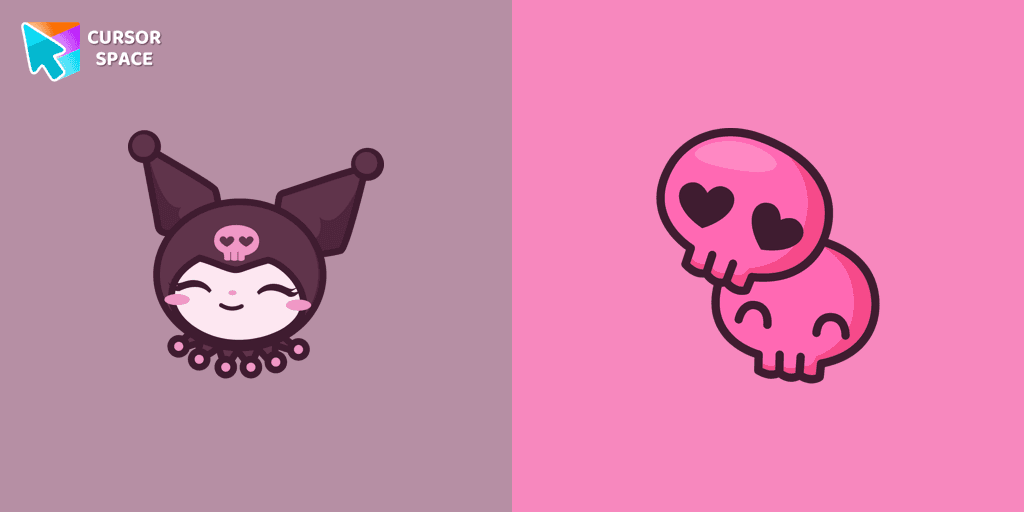
Kuromi is a white rabbit wearing a black jester's cap with a pink skull on the front and a black devil's tail. Kuromi cursor for a mouse is a good fan art to decorate your browsing.
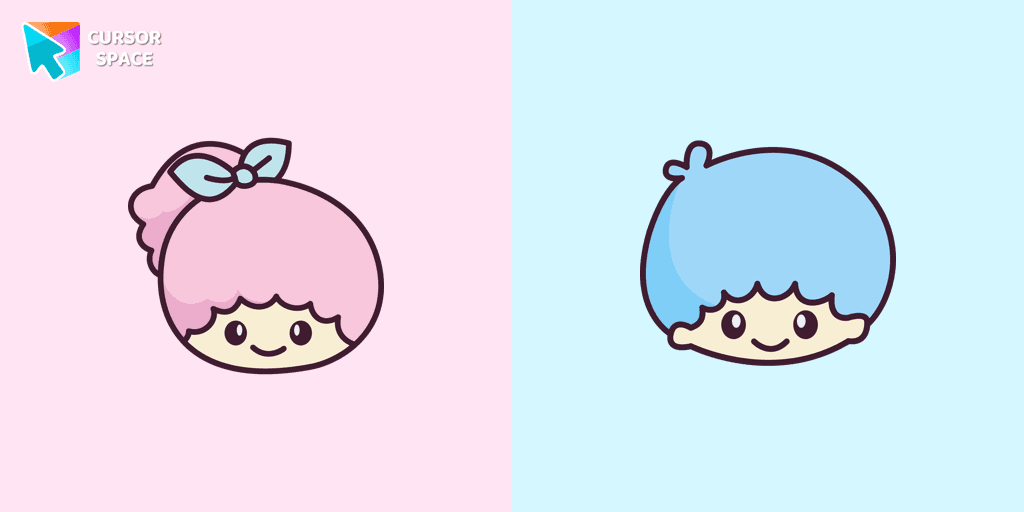
Kiki and Lala cursor element is a cute custom mouse and pointer cursor with stylish pointing.
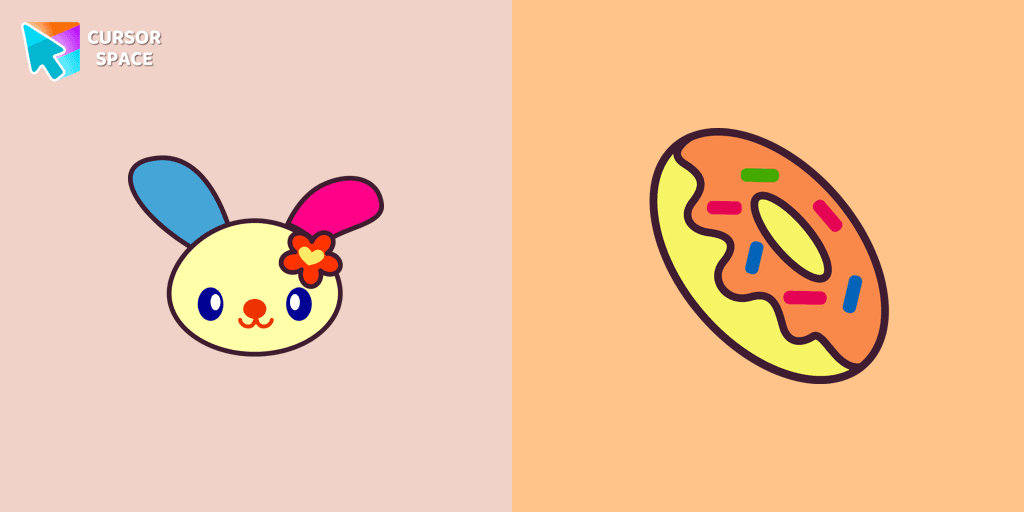
U*SA*HA*NA is a colorful, lively little girl bunny that loves summer. Cursor with U*SA*HA*NA will pretty much match your everyday surfing the web.
Add packs instantly and unlock access to thousands of cursors: neon, anime, pixel-art, and more. Fast, safe, and free.
Cursor Space is an extension for changing your mouse cursor in Chrome and Edge browsers: themed collections, HiDPI icons, neon, animated, and pixel cursors, with quick installation.