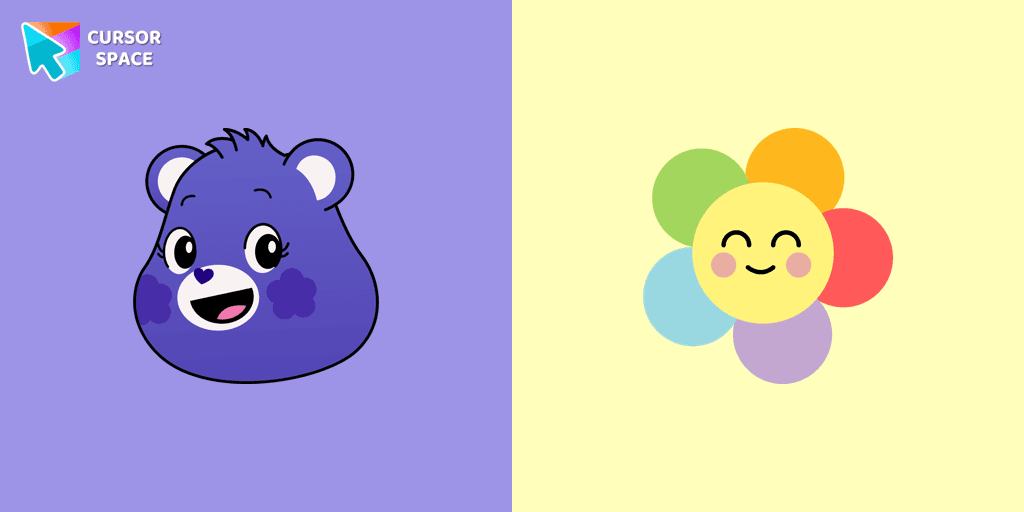
Harmony Bear Cursor
Description
Harmony Bear is one of the most beloved characters from the Care Bears universe, known for spreading kindness, balance, and friendship. With her violet fur and a rainbow flower Belly badge, she symbolizes the beauty of unity and positivity. Whether you're a fan of the classic 80s cartoon or just love colorful, fun designs, the Harmony Bear cursor is the perfect way to add a touch of magic to your browsing experience.
This animated cursor brings a playful, nostalgic feel to your screen, making every click more enjoyable. It’s part of a larger collection of themed cursors that allow users to customize their browsing experience with cute, colorful, and character-inspired designs. If you love Harmony Bear, you might also enjoy other Care Bears cursors like Cheer Bear, Good Luck Bear, Wish Bear, or Love-a-Lot Bear.
With just a few clicks, you can replace your default mouse pointer with this adorable, cartoon-style cursor. Whether you're working, browsing, or just having fun online, this fantasy cursor makes every moment more engaging and cheerful.
Let your inner Care Bear spirit shine and bring a little extra harmony to your screen. Install the Harmony Bear cursor now and make every click a reminder of friendship, joy, and positivity!
What's included in the package
- Default Cursor
- Pointer (Hand)
How to install a custom cursor pack Harmony Bear Cursor
Install the Cursor Space extension for Chrome or Cursor Space for Edge in your browser.
On this page, click "Add this cursor pack to the extension".
Open the extension and go to the Packs tab.
Find the custom cursor pack "Harmony Bear cursor" and click it.
Enjoy!
Ready to install?
Get this cursor pack and thousands of others by installing our extension. It's fast and free!
About this cursor pack
Harmony Bear Cursor is a themed cursor pack you can add to your browser to personalize your pointer across common cursor states (default and pointer). Use it for everyday browsing, streaming, studying, or gaming-anywhere you want your cursor to match your vibe.
Instant preview
See how the cursors look before installing.
Easy install
Add the pack to the extension in a few clicks.
Works in your browser
Designed for Chrome and Edge via the extension.
FAQ
Quick answers to common questions about cursor packs, collections, and installation.
Do I need an extension?
Yes. To apply cursor packs in Chrome or Edge, install the Cursor Space extension and add this pack to it.
Which browsers are supported?
Cursor packs are designed for Chromium browsers like Chrome and Microsoft Edge.
How do I switch back to the default cursor?
Open the extension, choose another pack or disable the current one to return to your default cursor.
Popular cursors today
Custom cursor and packs - neon, anime, pixel art. Quickly add to Chrome and Microsoft Edge for free
Top 1 Top 2 
Among Us Squid Game Killer Doll Character cursor
78FreeBring the fun of both Among Us and Squid Game to your screen with the custom cursor for Google Chrome. Download the Among Us Squid Game Killer Doll Character now!
Top 3 
Orange gradient cursor
2.0kFreeUpgrade your browsing with the Vibrant Orange Gradient Cursor. This custom cursor offers a seamless orange gradient, merging style with functionality
Eye Pixel cursor
74FreeIf you want to change your usual cursor to something festive, our Eye Pixel custom cursor for mouse and pointer will be a good match for this job.

Default Green Pixel cursor
79FreeDefault Green Pixel Cursor is a custom cursor from our custom cursors collection for Chrome.

Chi Chai Monchan cursor
82FreeIs a Sanrio character who is a monkey. If you want to change the default cursor to Chi Chai Monchan, you are welcome to our collection of cursors Hello Kitty in a variety of moods.

Ring cursor
128FreeEnhance your desktop with The Ring custom cursor. Its sleek, animated ring design adds elegance and focus to your workflow.
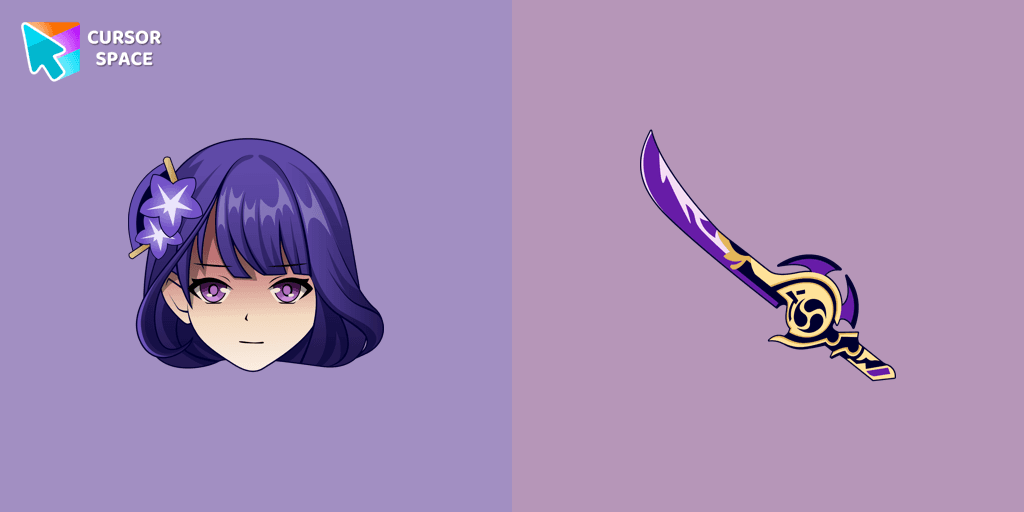
Raiden Shogun cursor
99FreeIncredible Raiden Shogun as a custom cursor for the mouse and pointer with which we can spend many hours of fun.
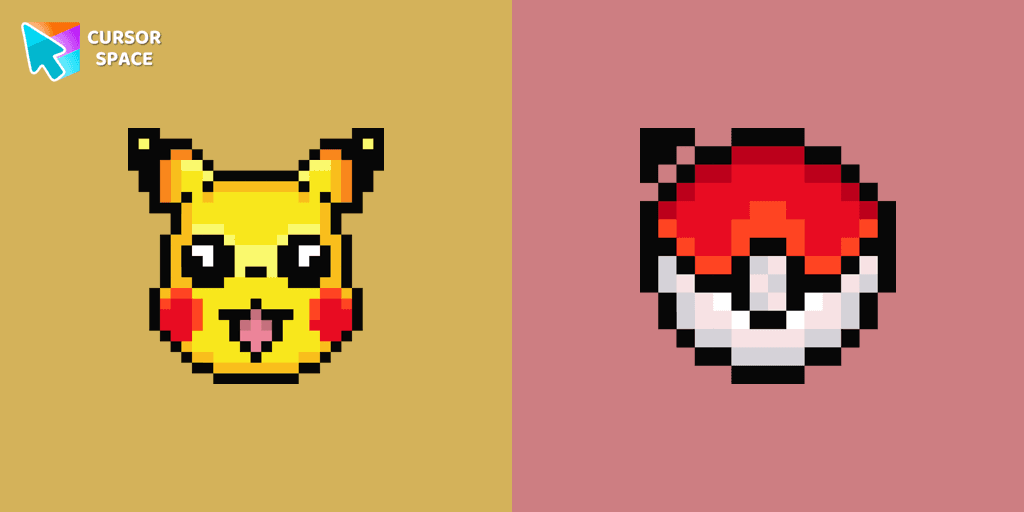
Pikachu Pixel cursor
92FreeCute Pixel custom cursors collection for Chrome gives you an opportunity to change the usual cursor to Pikachu Cursor in a cool pixel design.
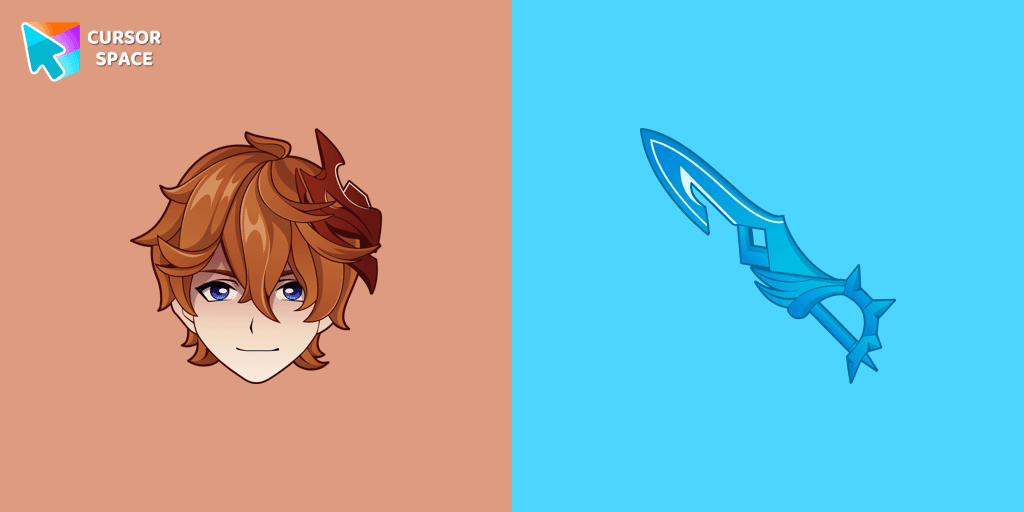
Tartaglia cursor
78FreeOur Genshin Impact custom cursors collection for Chrome will allow you to use the Tartaglia character as a custom cursor for the mouse and pointer.
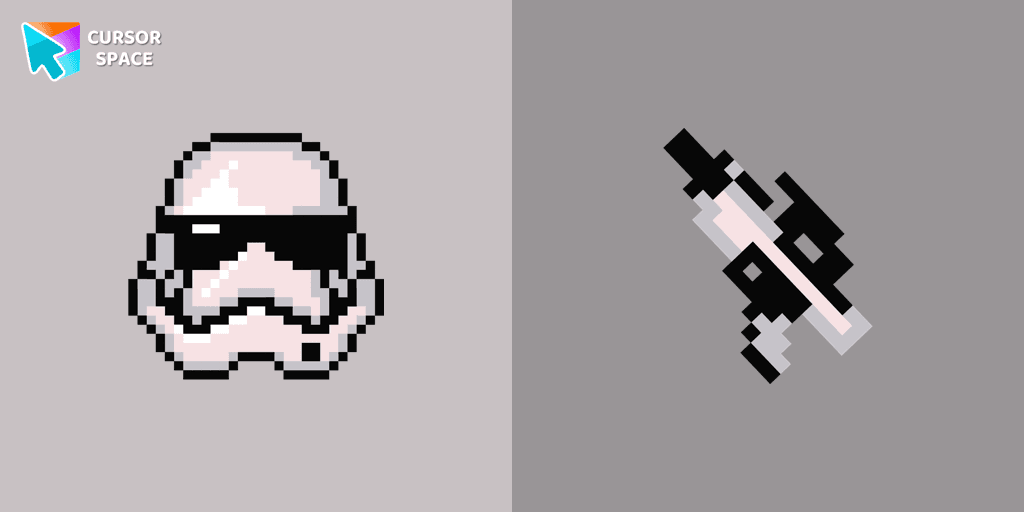
Stormtrooper Pixel cursor
90FreeStormtrooper Pixel cursor for a mouse is a good fan art to decorate your browsing. Blaster rifle comes together with the custom cursor with Stormtrooper Pixel.

Pink cursor
73FreeEnhance your screen with a chic pink custom cursor from Custom Cursor Space! Transform every click into a vibrant, fun, and uniquely fabulous experience.
Collection hits
Installation leaders from "Care Bears": free packs, neon/anime/pixel art, quick add to Chrome and Edge.
Top 1 
Top 2 
Love-A-Lot Bear cursor
475FreeThe Love-a-lot Bear custom cursor from our custom cursors collection for Chrome.
Top 3 
Take Care Bear cursor
230FreeFeaturing the iconic Care Bears character, this cursor adds a touch of charm and nostalgia to your screen.

Smart Heart Bear cursor
135FreeSmart Heart Bear custom cursor for the mouse is a pretty character in a Care Bears cursor collection for Chrome.
True Heart Bear cursor
133FreeThe True Heart Bear custom cursor brings charm and nostalgia to your browsing. Enjoy this adorable custom cursor for Google Chrome featuring the iconic Care Bears character.

Always There Bear cursor
94FreeStay Connected with the Always There Bear Cursor - A Trustworthy Companion

Grumpy Bear cursor
0FreeGrumpy Bear cursor for mouse and pointer in a terrific custom cursors collection for Chrome with Care Bears.
Good Luck Bear cursor
0FreeCare Bears for Chrome cursor set has a custom cursor Good Luck Bear as a pointing device.

Bedtime Bear cursor
0FreeBedtime Bear custom cursor for the mouse is a pretty bear in a Care Bears cursor collection for Chrome.
Install Cursor Space - A Collection of Custom Cursors for Chrome & Edge
Add packs instantly and unlock access to thousands of cursors: neon, anime, pixel-art, and more. Fast, safe, and free.
- Free cursor packs
- HD/HiDPI & animated icons
- Quick browser installation
Cursor Space is an extension for changing your mouse cursor in Chrome and Edge browsers: themed collections, HiDPI icons, neon, animated, and pixel cursors, with quick installation.