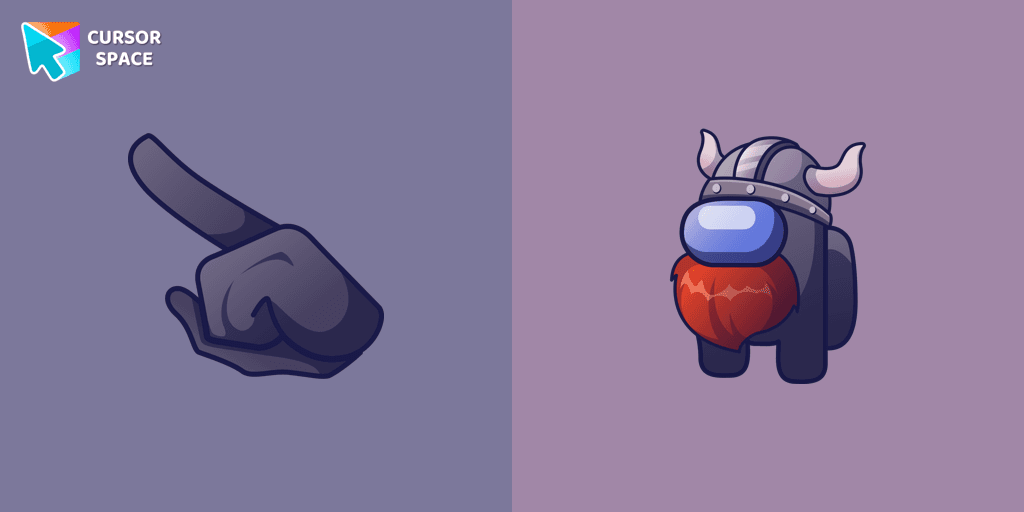
Among Us Viking Character cursor
71Free
Unleash Your Inner Warrior with the Among Us Viking Character Cursor
Install the Cursor Space extension for Chrome or Cursor Space for Edge in your browser.
On this page, click "Add this cursor pack to the extension".
Open the extension and go to the Packs tab.
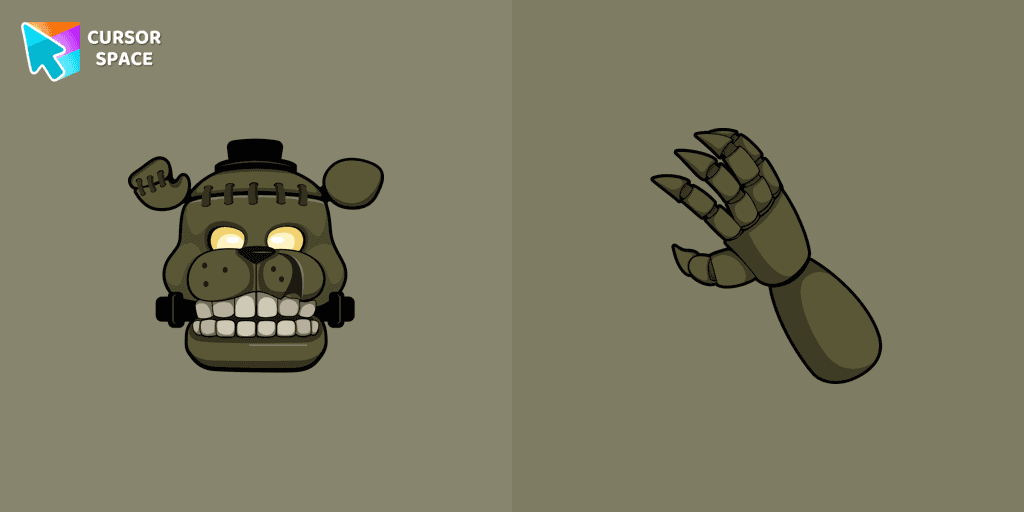
Find the custom cursor pack "Dreadbear cursor" and click it.
Enjoy!
Get this cursor pack and thousands of others by installing our extension. It's fast and free!
Dreadbear Cursor is a themed cursor pack you can add to your browser to personalize your pointer across common cursor states (default and pointer). Use it for everyday browsing, streaming, studying, or gaming-anywhere you want your cursor to match your vibe.
See how the cursors look before installing.
Add the pack to the extension in a few clicks.
Designed for Chrome and Edge via the extension.
Quick answers to common questions about cursor packs, collections, and installation.
Yes. To apply cursor packs in Chrome or Edge, install the Cursor Space extension and add this pack to it.
Cursor packs are designed for Chromium browsers like Chrome and Microsoft Edge.
Open the extension, choose another pack or disable the current one to return to your default cursor.
Custom cursor and packs - neon, anime, pixel art. Quickly add to Chrome and Microsoft Edge for free
Unleash Your Inner Warrior with the Among Us Viking Character Cursor
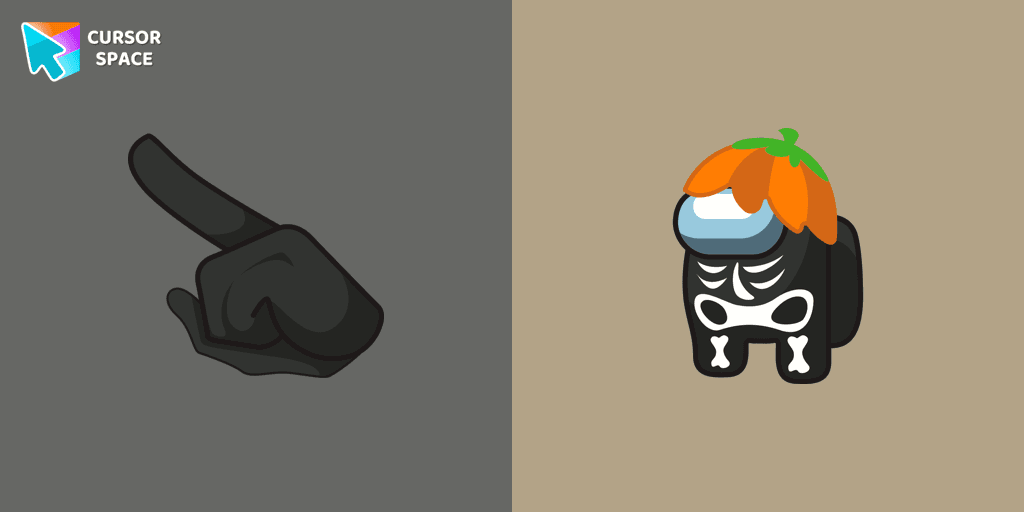
Customize Your Cursor with the Among Us Skeleton Character for a Spook-tacular Experience!
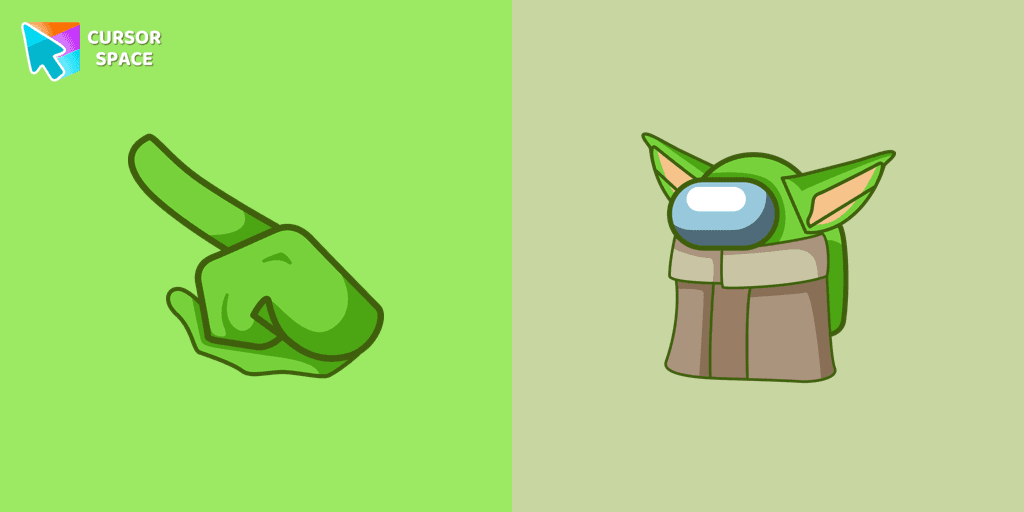
Among Us Baby Yoda Character Cursor - Unleashing the Cuteness and Mischief in Outer Space
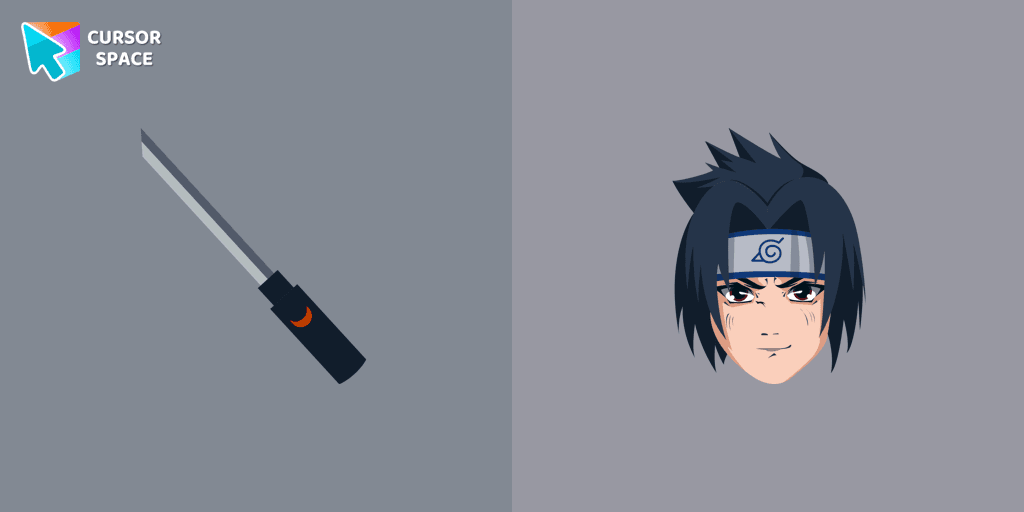
Customize your Chrome with a custom cursor featuring Sasuke Uchiha. Add this unique custom cursor for Google Chrome to personalize your browsing experience.
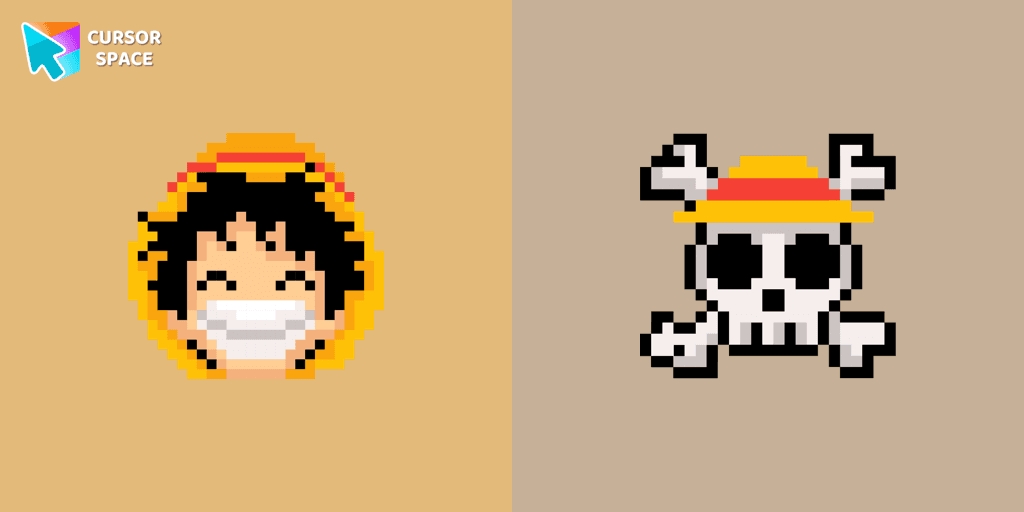
Monkey D. Luffy custom cursor from our Cute Pixel cursors collection for mouse and pointer.
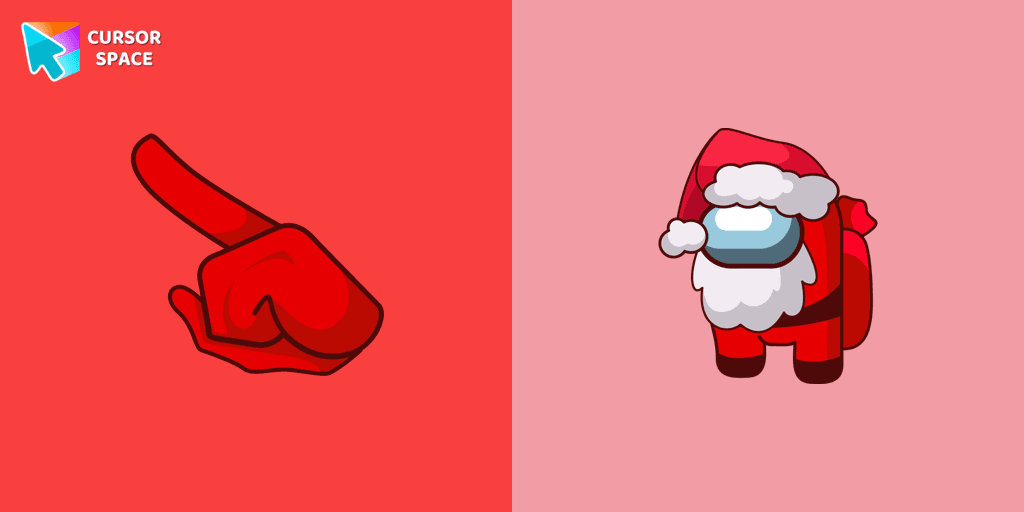
Celebrate the Holidays with the Among Us Santa Character Cursor
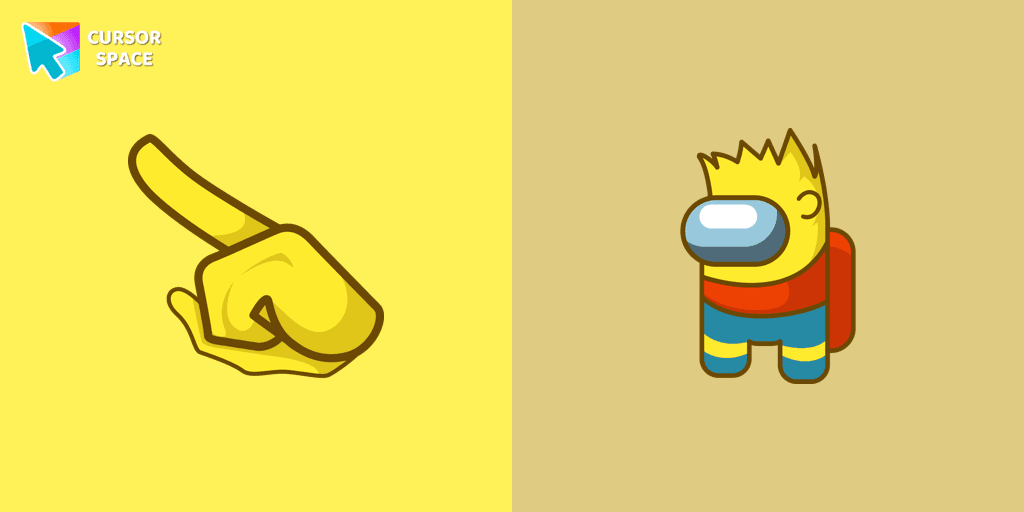
Enhance Your Among Us Gaming Experience with the Bart Simpson Character Cursor

Enhance your browsing experience with the Custom Mint Cursor, a calming personalized cursor symbolizing harmony, renewal, and inner balance.

Discover joy with the happy Tom cat cursor for Chrome in our collection inspired by Tom and Jerry custom cursors for your mouse and pointers.

Replace the standard cursor with an adorable Black one. Transform the ordinary mouse into a stunningly adorable Black cursor or download a cursor of your choice.
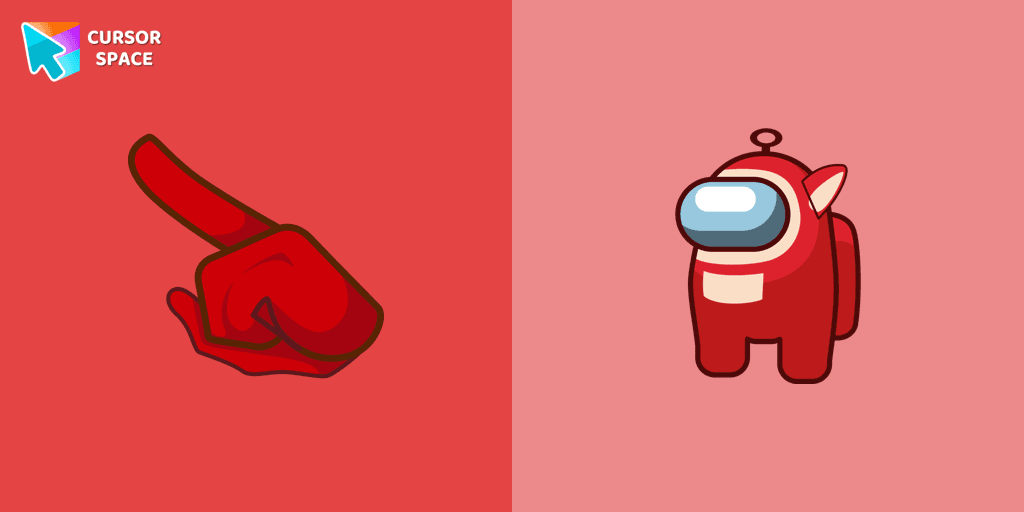
Add excitement to your Among Us game with a custom cursor featuring mini Teletubbies characters. Try the custom cursor for Google Chrome today!

Installation leaders from "Five Nights At Freddys": free packs, neon/anime/pixel art, quick add to Chrome and Edge.
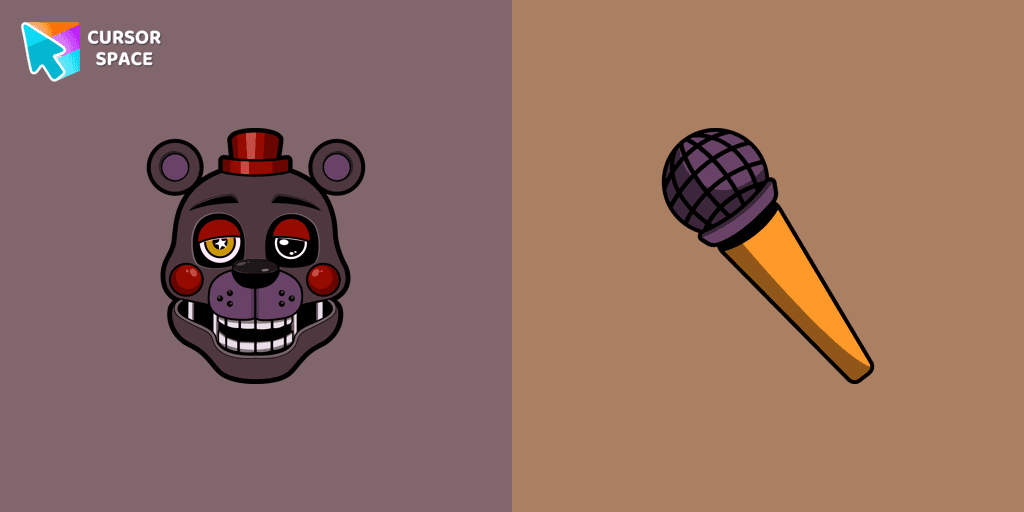
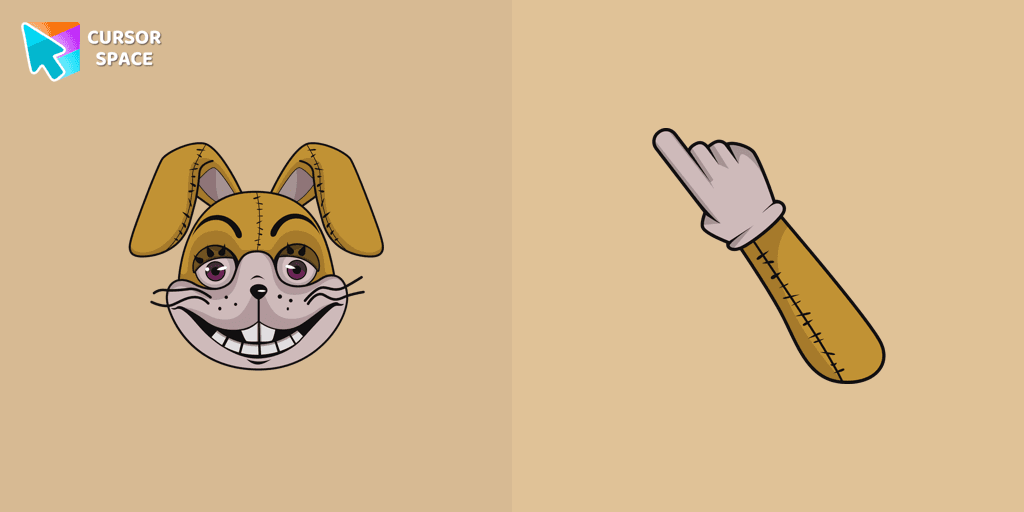
Add a Glitchtrap cursor in the collection of custom cursors with characters for the browser.
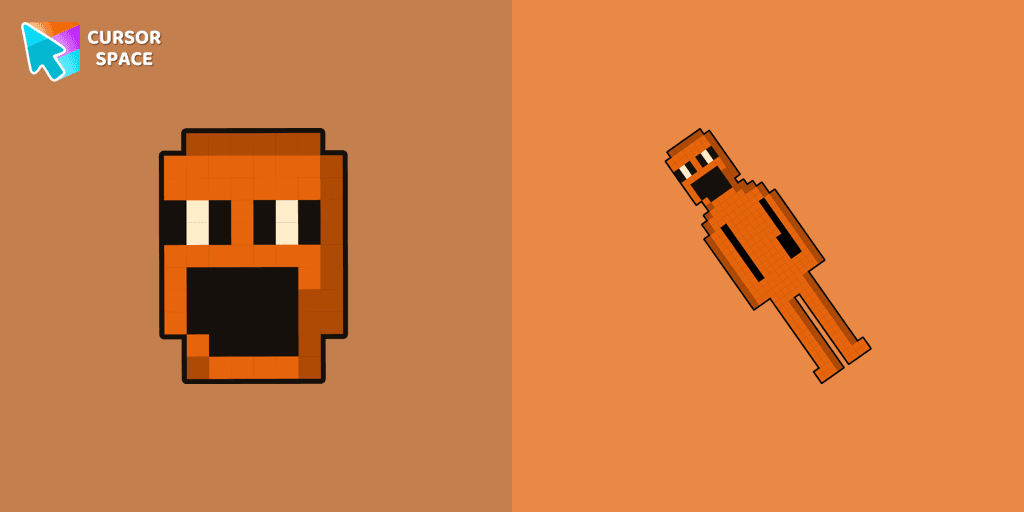
Jack Kennedy cursor for mouse and custom hover pointer with figurine Jack Kennedy in a game collection of custom cursors.
Shadow Bonnie custom cursor for the mouse is a pretty character in Five Nights at Freddy's cursor collection for Chrome.
Candy Cadet custom cursor from our Five Nights at Freddy's cursors collection for mouse and pointer.
Crying Child cursor and Plush Fredbear pointer perfectly complement our Five Nights at Freddy's collection for Chrome.
Custom cursor with Shamrock Freddy includes a well-designed mouse cursor with Shamrock Freddy and a hover pointer with a golden microphone mockup.
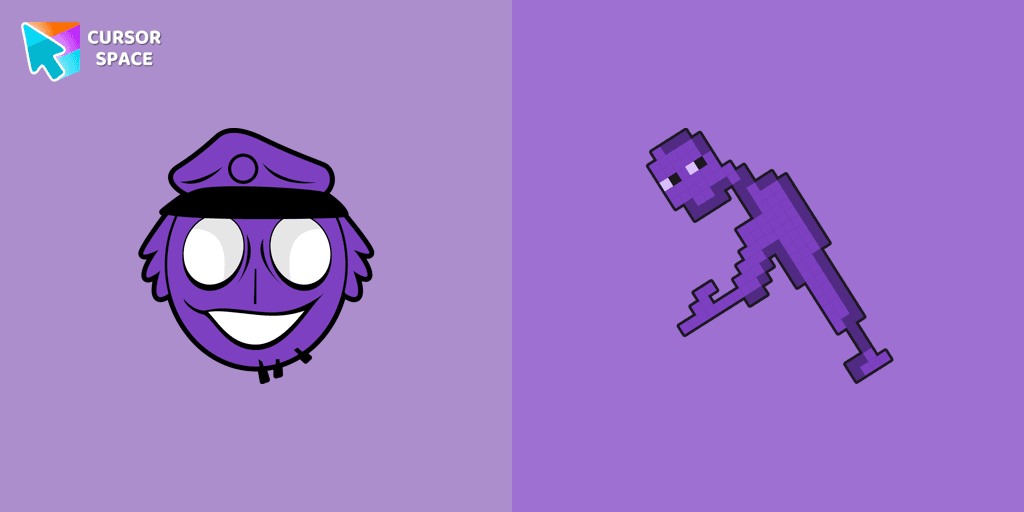
Authentic custom cursor with William Afton from our Five Nights at Freddy's custom cursors collection will allow you to change the mouse cursor.
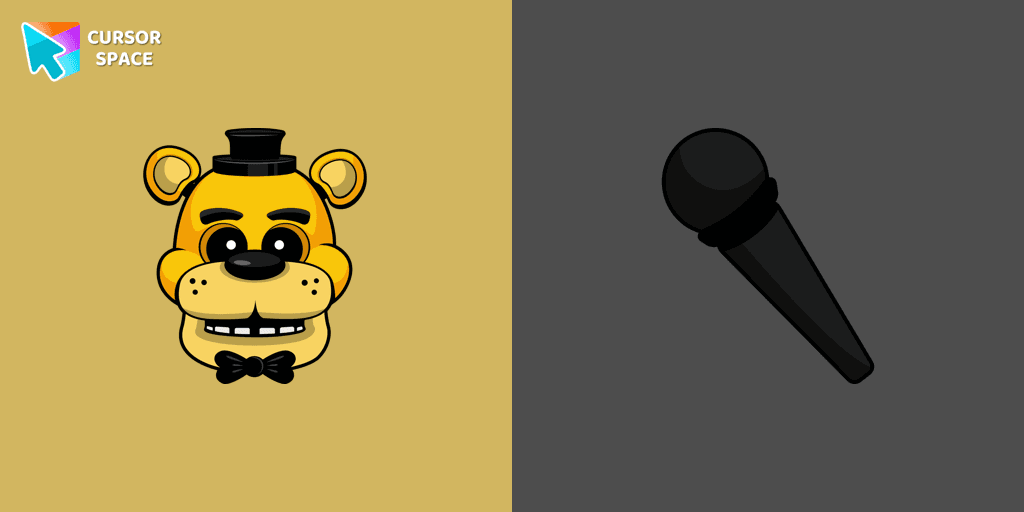
In our custom cursors collection Five Nights at Freddy's, we have illustrated a Golden Freddy as a custom cursor for the browser in a nice art.
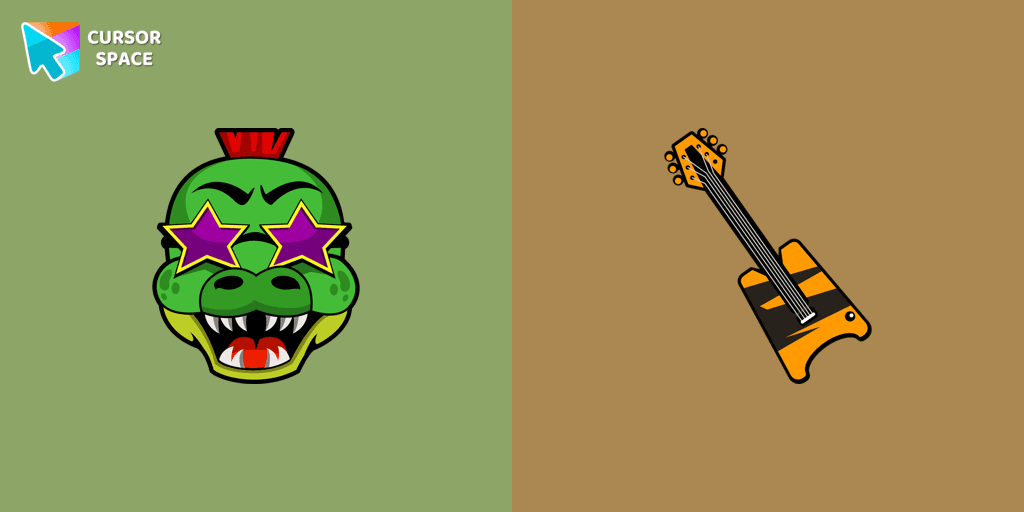
Montgomery Gator cursor for mouse and custom hover pointer with bass guitar in Five Nights at Freddy's collection of custom cursors.
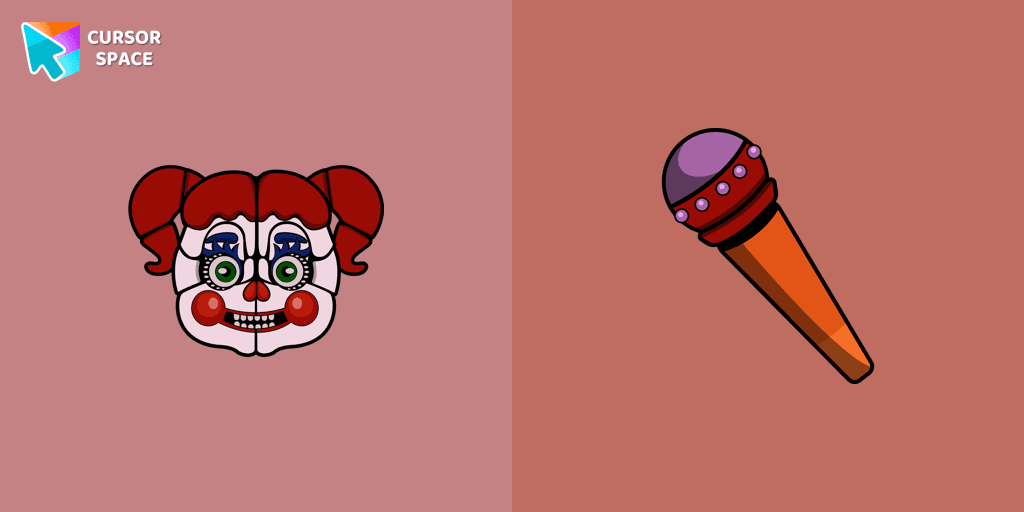
Change the default cursor to Circus Baby, you are welcome to our collection of cursors in Five Nights at Freddy's in various arts.
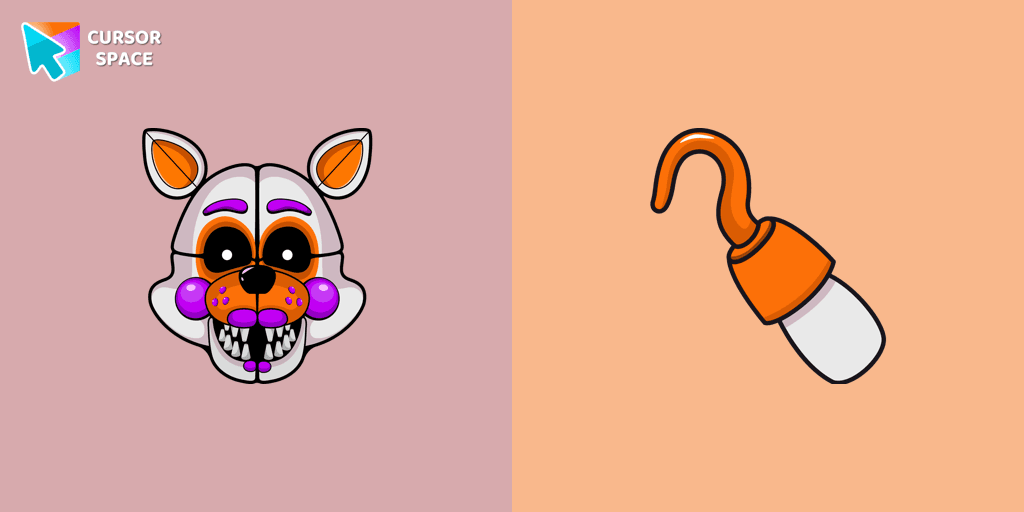
Custom cursor with Lolbit is a good opportunity to change the usual mouse to fans cursors from the Five Nights at Freddy's collection.
Add packs instantly and unlock access to thousands of cursors: neon, anime, pixel-art, and more. Fast, safe, and free.
Cursor Space is an extension for changing your mouse cursor in Chrome and Edge browsers: themed collections, HiDPI icons, neon, animated, and pixel cursors, with quick installation.