
Oreo Red Cursors
135Free
Explore Oreo Red Cursors for a bold custom cursor experience on Chrome. Add energy and style to your digital workspace today!
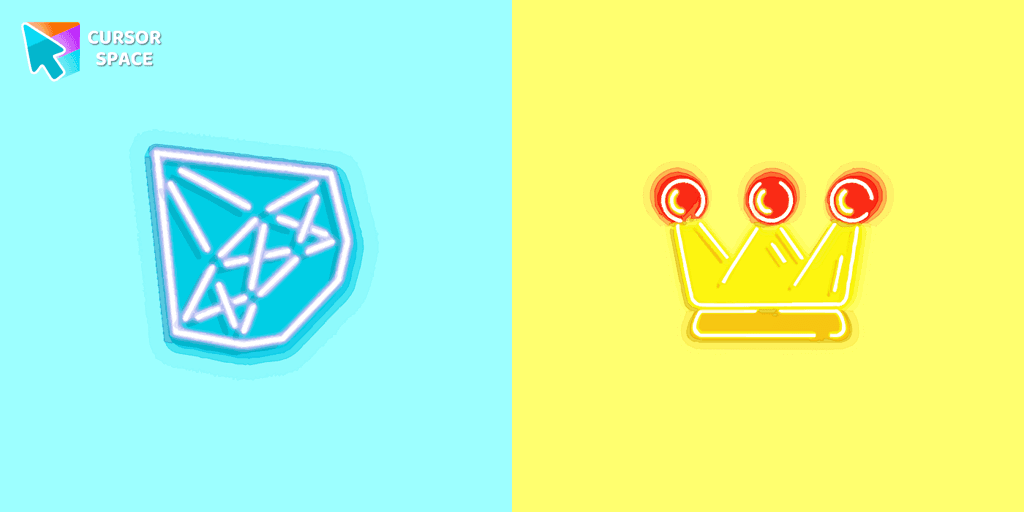
Diamond and Crown Cursors is an exquisite collection of custom cursors for Google Chrome, designed to enhance your browsing experience. Featuring intricately crafted diamond and crown designs, this collection transforms your mouse pointer into a stylish, elegant accessory. Perfect for those who appreciate sophistication, these cursors add a touch of luxury to your desktop.
The diamond design reflects brilliance and precision, symbolizing elegance and luxury. Meanwhile, the crown design speaks to royalty and grandeur, offering a sense of prestige with every click. These custom cursors are perfect for anyone looking to elevate their digital journey, whether for work or leisure.
Say goodbye to ordinary cursors and embrace the beauty of these custom creations. The Diamond and Crown Cursors are not just functional but also a statement piece on your screen, making every movement feel like a royal experience. Don’t settle for less—upgrade your cursor game with these stunning designs today.
Whether you're working or just browsing, these custom cursors for Google Chrome are designed to make your experience more enjoyable and stylish. The Diamond and Crown Cursors are the perfect choice for those who want to stand out while maintaining elegance and luxury at their fingertips.
Install the Cursor Space extension for Chrome or Cursor Space for Edge in your browser.
On this page, click "Add this cursor pack to the extension".
Open the extension and go to the Packs tab.
Find the custom cursor pack "Diamond and crown cursors" and click it.
Enjoy!
Get this cursor pack and thousands of others by installing our extension. It's fast and free!
Diamond And Crown Cursors is a themed cursor pack you can add to your browser to personalize your pointer across common cursor states (default and pointer). Use it for everyday browsing, streaming, studying, or gaming-anywhere you want your cursor to match your vibe.
See how the cursors look before installing.
Add the pack to the extension in a few clicks.
Designed for Chrome and Edge via the extension.
Quick answers to common questions about cursor packs, collections, and installation.
Yes. To apply cursor packs in Chrome or Edge, install the Cursor Space extension and add this pack to it.
Cursor packs are designed for Chromium browsers like Chrome and Microsoft Edge.
Open the extension, choose another pack or disable the current one to return to your default cursor.
Custom cursor and packs - neon, anime, pixel art. Quickly add to Chrome and Microsoft Edge for free
Explore Oreo Red Cursors for a bold custom cursor experience on Chrome. Add energy and style to your digital workspace today!
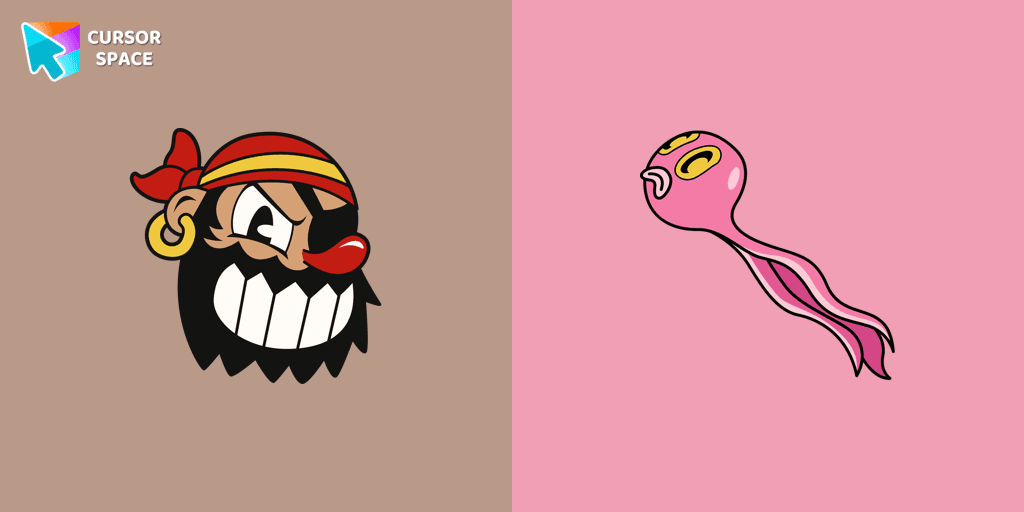
Transform your cursor with the Captain Brineybeard custom cursor for Google Chrome. Enjoy a fun pirate ship animation with sails and a flag!
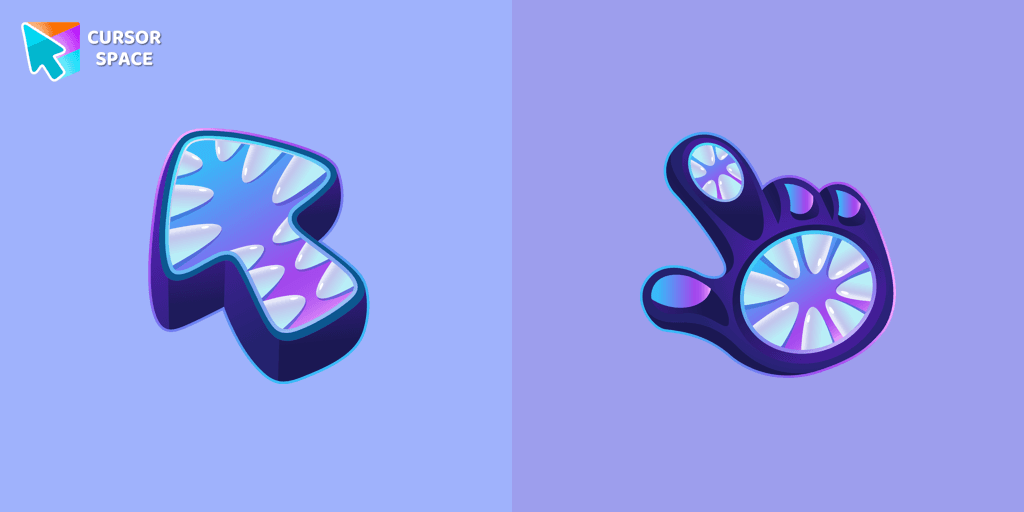
Elevate your cursor game with our Monster custom cursor. Discover unique designs for Chrome and stand out with style and creativity.
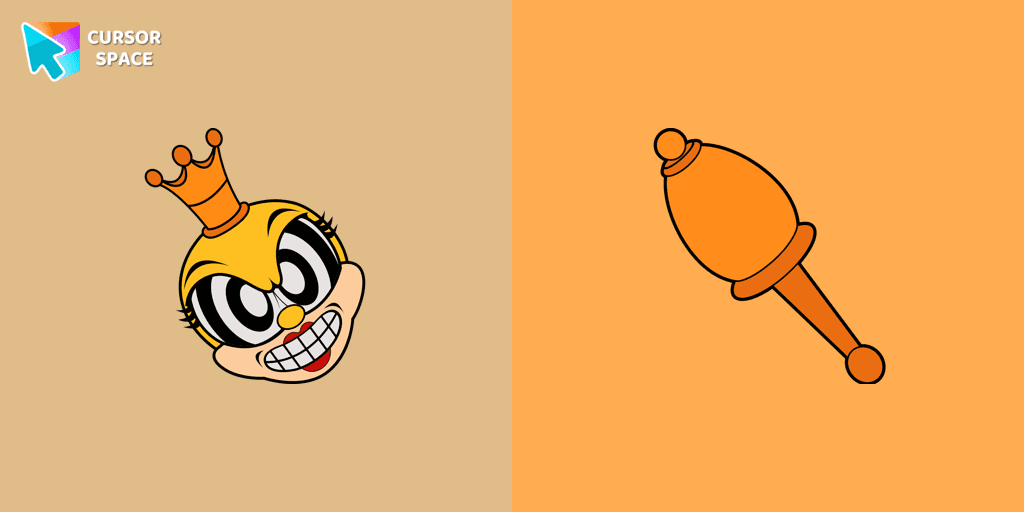
Transform your browsing with the Rumor Honeybottoms custom cursor for Google Chrome. This unique cursor brings the iconic Cuphead boss to life on your screen.
The custom cursor for mouse and pointer from our Star Wars collection will allow you to build a warm relationship with your tab with C-3PO.
Cute Wicket W. Warriсk cursor and pointer in our adorable custom cursors collection with Star Wars.

Swap the default cursor for a charming red one. Turn the regular mouse into an irresistibly cute red cursor or just download it.
Our Phasma cursor for your mouse and pointer is a perfect choice if you're looking to change your regular cursor to something cute.
The fantastic Genshin Impact cursor collection for Chrome will be the best set for all fans.
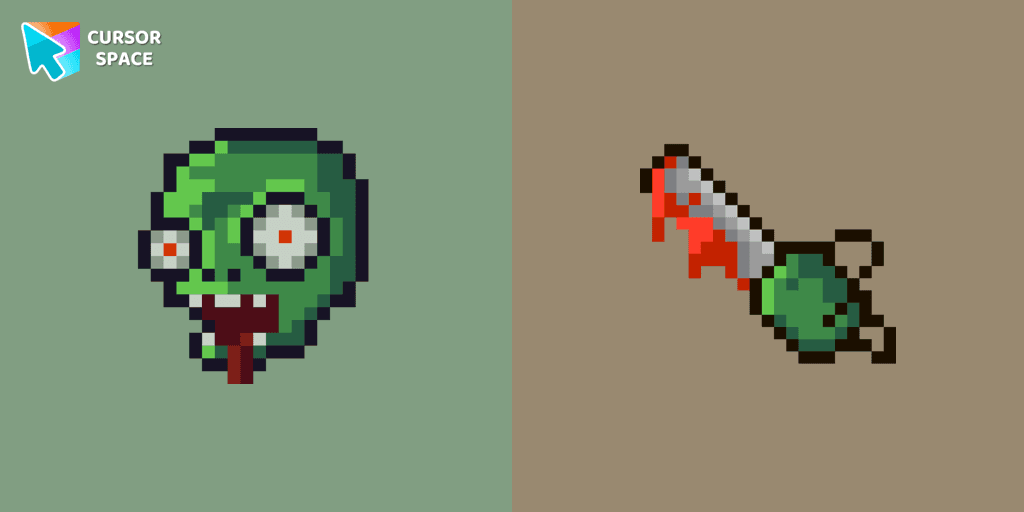
Zombie Pixel custom cursor from our Cute Pixel cursors collection for mouse and pointer.
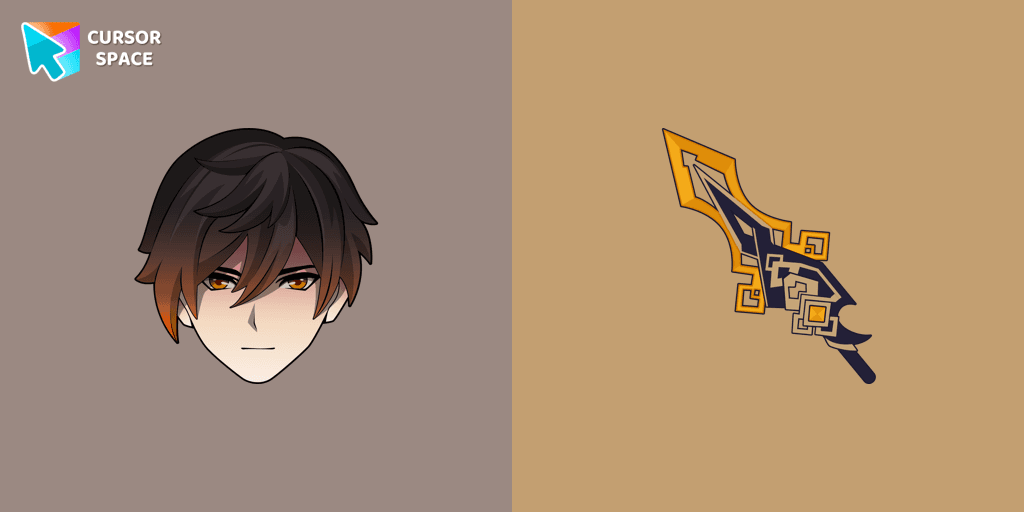
We are glad to present this custom cursor with Zhongli from the adorable custom cursors collection for the mouse and pointer.
Installation leaders from "Space-Themed Collection": free packs, neon/anime/pixel art, quick add to Chrome and Edge.
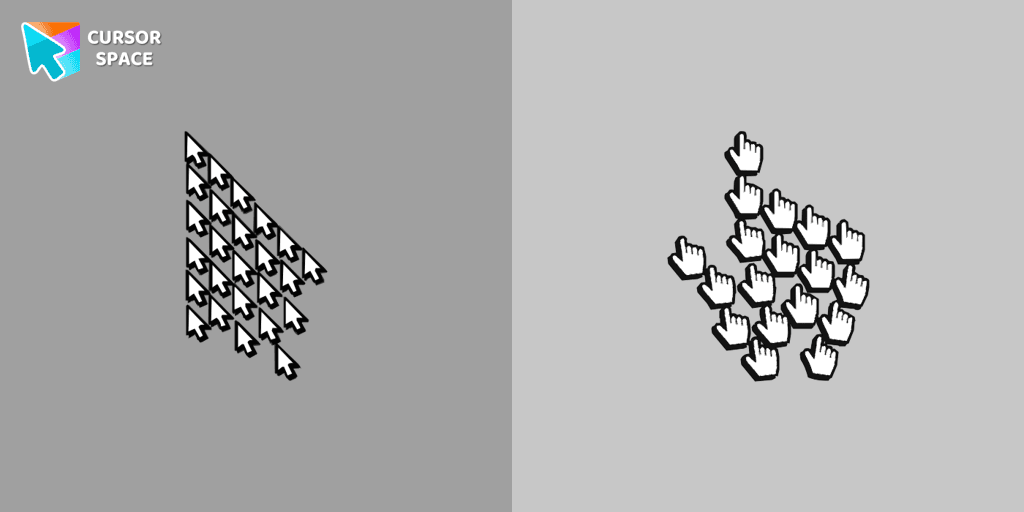
Experience the fun of the Multiple Cursor prank with a custom cursor for Google Chrome. Add fake cursors to confuse and entertain while keeping only one functional.

Enhance your browsing with the 8-bit custom cursor. This custom cursor for Google Chrome adds a nostalgic, pixelated charm to your screen for a retro experience.

Upgrade your browsing with the Vibrant Orange Gradient Cursor. This custom cursor offers a seamless orange gradient, merging style with functionality
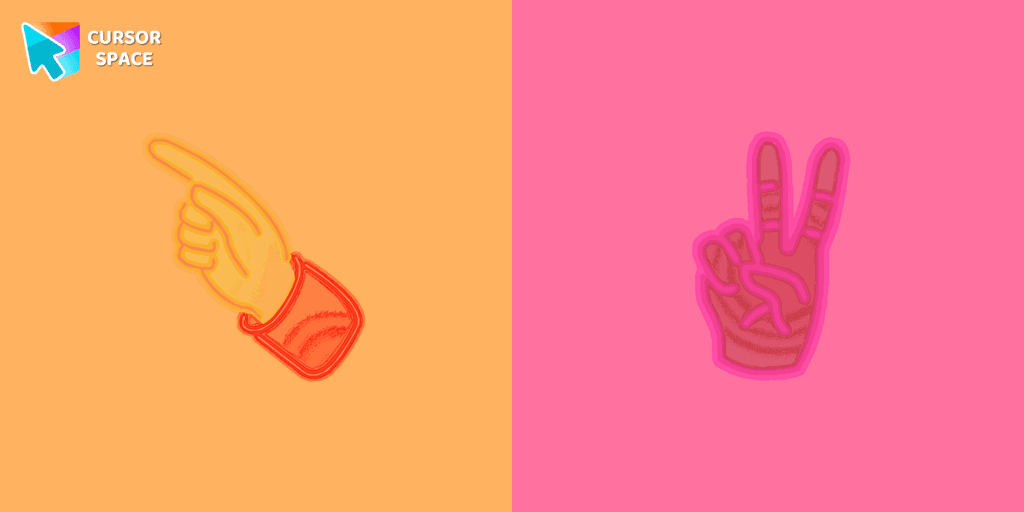
Pointer Neon Cursor is a customizable cursor option for those who want to add some color to their computer interface.

Transform your browsing with the Forbidden Pointer custom cursor for Google Chrome. This fun prank cursor mimics a "no entry" sign, creating amusing and unexpected reactions.
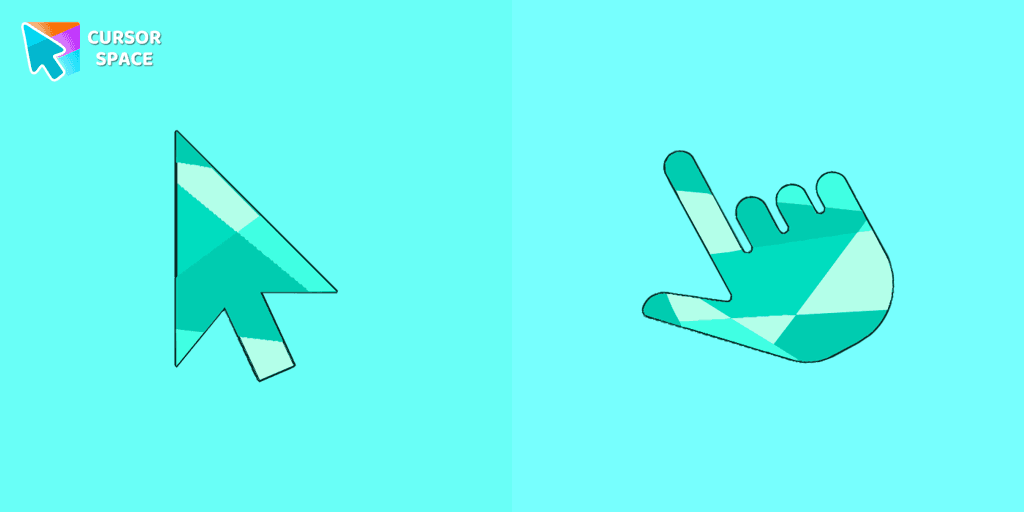
Enhance your browsing with the Emerald custom cursor for Google Chrome. This gem-like green pointer adds elegance and personalization to your digital workspace.

Enjoy a fun twist on browsing with the Little Pointer custom cursor for Google Chrome. This playful custom cursor shrinks your pointer, adding a touch of surprise and humor.
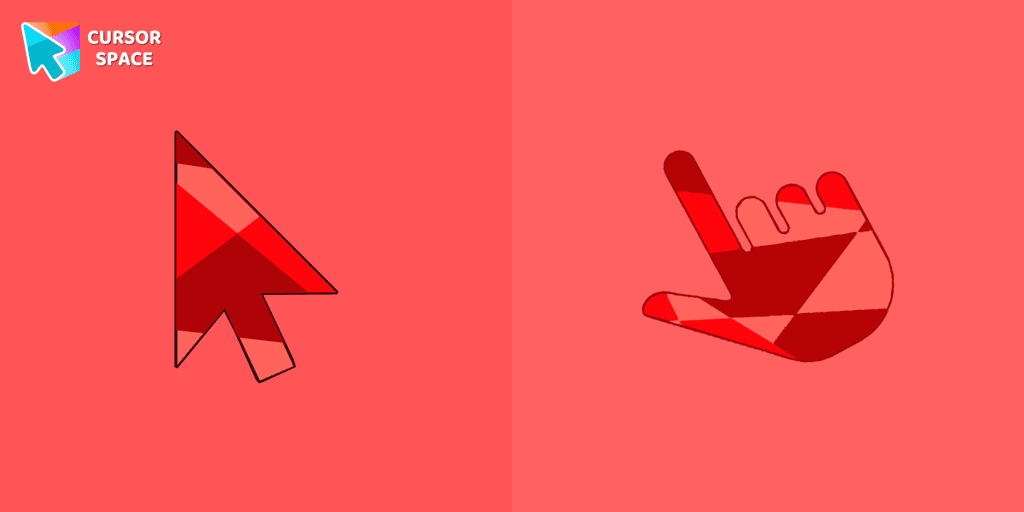
Ruby custom cursor for Google Chrome helps you track text input and operations in Ruby coding. Improve text processing and editing efficiency with ease.

The Flattened Cursor Prank is a fun and mischievous custom cursor that creates a flattened effect to confuse friends. Try this custom cursor for Google Chrome for harmless fun.

Enhance your browsing with the Instagram custom cursor for Google Chrome. Sleek and stylish, it’s perfect for Instagram fans looking to personalize their cursor.

Enjoy a fun twist with the On the Contrary custom cursor for Google Chrome. This witty cursor moves opposite to your mouse, perfect for a light-hearted prank.

Show your team pride with the Indiana Pacers custom cursor. This custom cursor for Google Chrome features the team’s logo and colors for true fans.
Add packs instantly and unlock access to thousands of cursors: neon, anime, pixel-art, and more. Fast, safe, and free.
Cursor Space is an extension for changing your mouse cursor in Chrome and Edge browsers: themed collections, HiDPI icons, neon, animated, and pixel cursors, with quick installation.