

Orange gradient cursor
2.0kFree
Upgrade your browsing with the Vibrant Orange Gradient Cursor. This custom cursor offers a seamless orange gradient, merging style with functionality
The Candy Cane is a quintessential treat associated with New Year's and Christmas, symbolizing the joyous and festive spirit of the winter holidays. Its distinctive appearance, with its red and white stripes, often brings back fond childhood memories for adults and inspires a magical sense of wonder and excitement. The Candy Cane custom cursor for the mouse adds a whimsical and charming touch, making it a delightful feature in the Merry Christmas and Happy New Year cursor collection available for Chrome users.
Install the Cursor Space extension for Chrome or Cursor Space for Edge in your browser.
On this page, click "Add this cursor pack to the extension".
Open the extension and go to the Packs tab.
Find the custom cursor pack "Candy Cane cursor" and click it.
Enjoy!
Get this cursor pack and thousands of others by installing our extension. It's fast and free!
Candy Cane Cursor is a themed cursor pack you can add to your browser to personalize your pointer across common cursor states (default and pointer). Use it for everyday browsing, streaming, studying, or gaming-anywhere you want your cursor to match your vibe.
See how the cursors look before installing.
Add the pack to the extension in a few clicks.
Designed for Chrome and Edge via the extension.
Quick answers to common questions about cursor packs, collections, and installation.
Yes. To apply cursor packs in Chrome or Edge, install the Cursor Space extension and add this pack to it.
Cursor packs are designed for Chromium browsers like Chrome and Microsoft Edge.
Open the extension, choose another pack or disable the current one to return to your default cursor.
Custom cursor and packs - neon, anime, pixel art. Quickly add to Chrome and Microsoft Edge for free
Upgrade your browsing with the Vibrant Orange Gradient Cursor. This custom cursor offers a seamless orange gradient, merging style with functionality
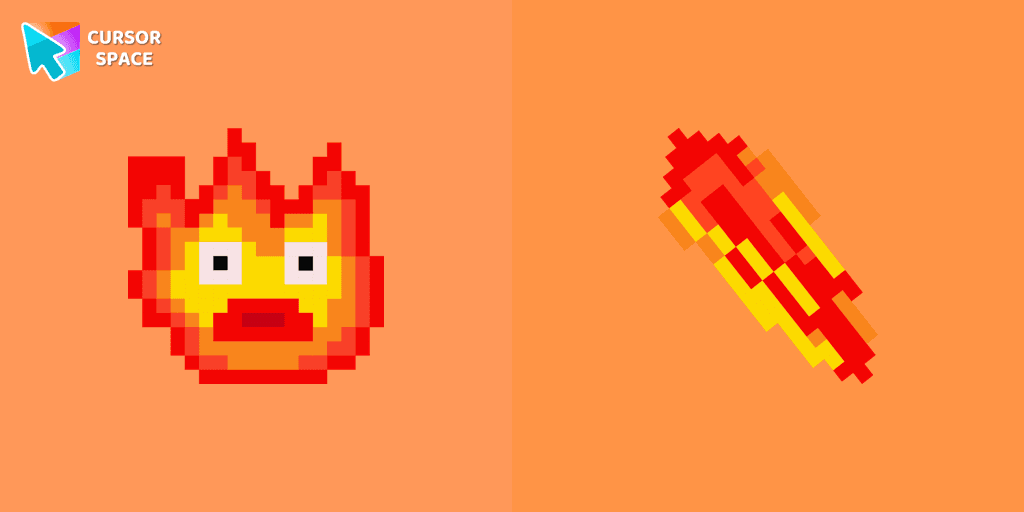
Calcifer Pixel cursor element is a cute custom mouse and pointer cursor with stylish pointing.

Unlock Fun and Whimsy with the Among Us Deer Character Cursor Funart

Introducing the Cannonbolt Character Cursor: Enhancing Your Browser Experience with Cursor Space
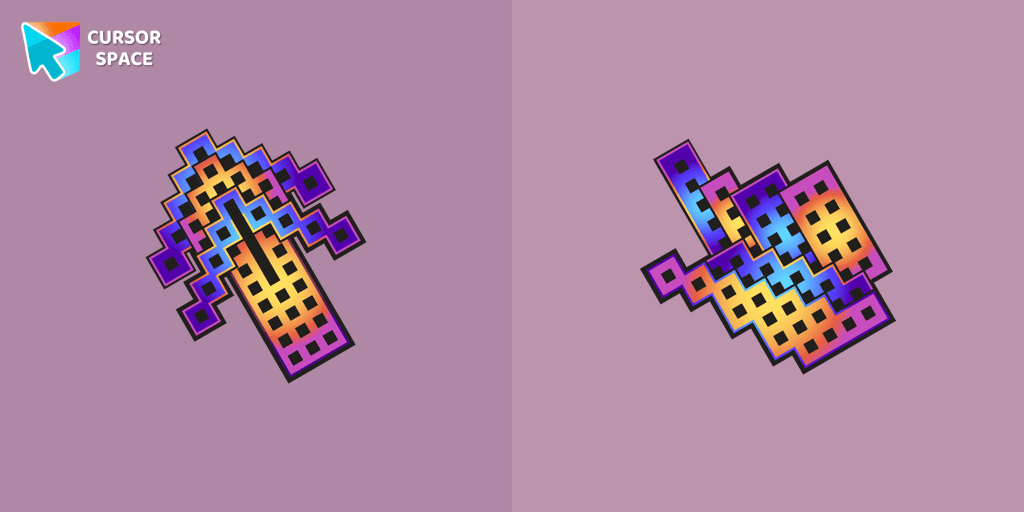
Elevate your browsing with The Building custom cursor for Chrome. Enjoy a unique design that adds charm and creativity to your everyday pointer.
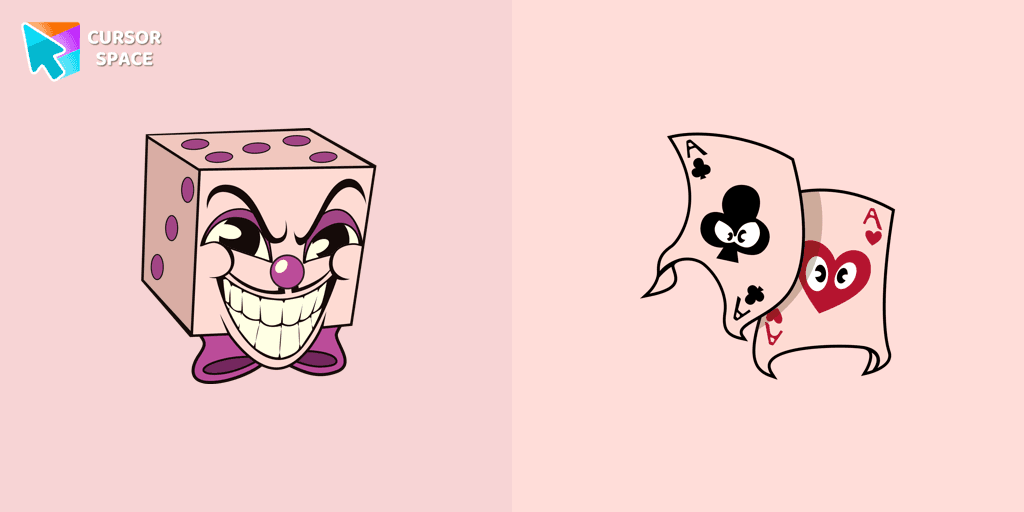
Add a regal touch to your browsing with the King Dice custom cursor. A unique and stylish custom cursor for Google Chrome, perfect for a refined experience.
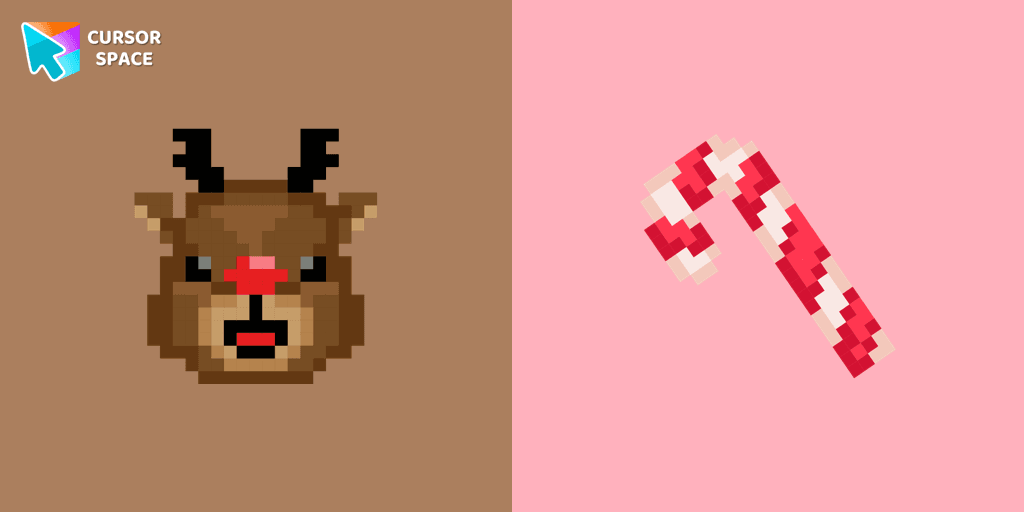
Cute custom cursor with Reindeer includes a mouse cursor in the form of a candy cane and a hover pointer with Reindeer.
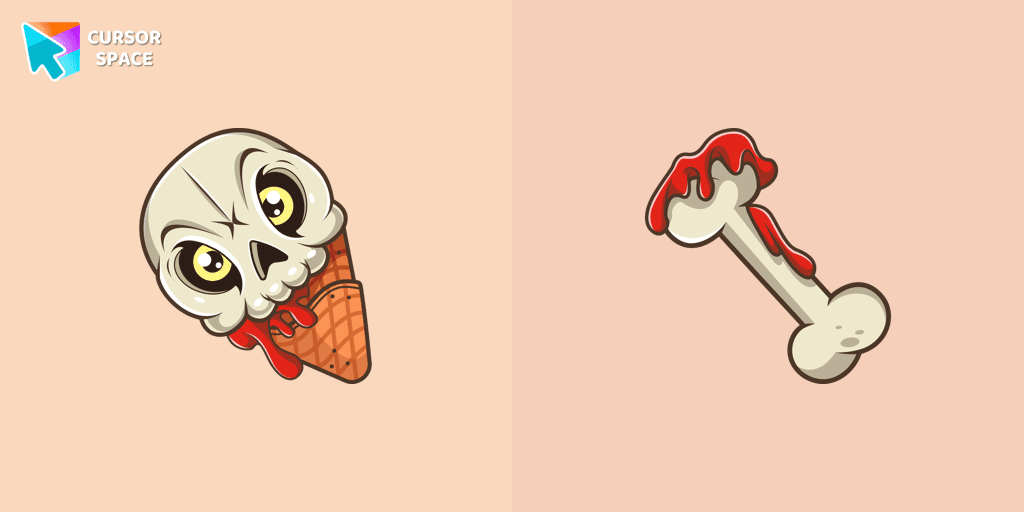
If you want to change the default cursor to Ice Cream Cone Skull, you are welcome to our collection of cursors for Halloween.

Fans of Among Us and Squid Game can now enjoy the unique custom cursor for Google Chrome featuring the Oh Il-Nam character. Upgrade your browsing experience today!

Bring the fun of both Among Us and Squid Game to your screen with the custom cursor for Google Chrome. Download the Among Us Squid Game Killer Doll Character now!
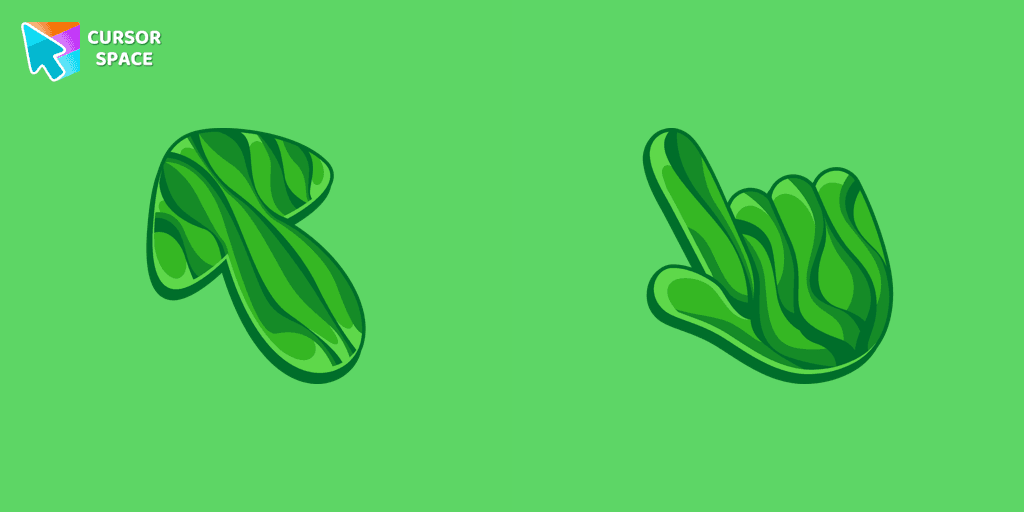
Discover the allure of nature with The Grass cute cursor, a unique addition to The Cursors custom cursors collection.

Installation leaders from "Christmas cursors": free packs, neon/anime/pixel art, quick add to Chrome and Edge.
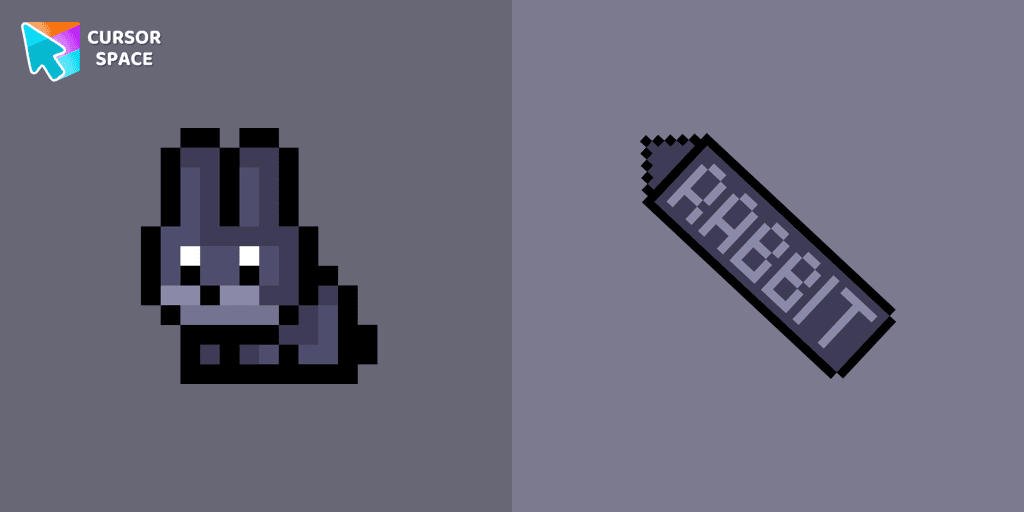
The Black Rabbit cute cursor in pixel style is the perfect addition to your desktop for the holiday season.

Christmas Fox cursor in pixel style from our Merry Christmas and Happy New Year cursors collection for Chrome is perfect for you.
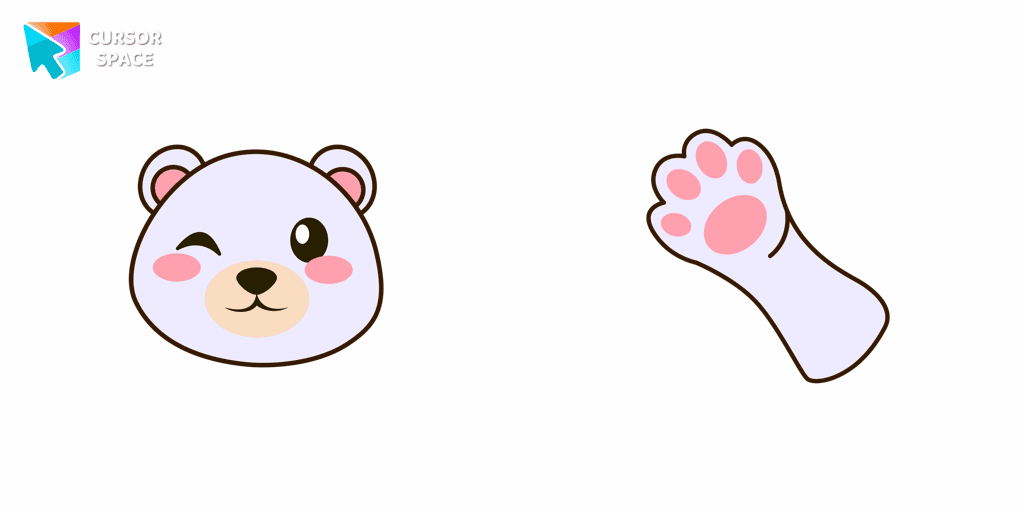
Create a custom cursor with a Polar Bear in Minecraft style, featuring an adorable design from the New Year collection.

Magic Among Us Gingerbread custom cursor for a mouse is a good fan art to decorate your browsing on the new year holidays.
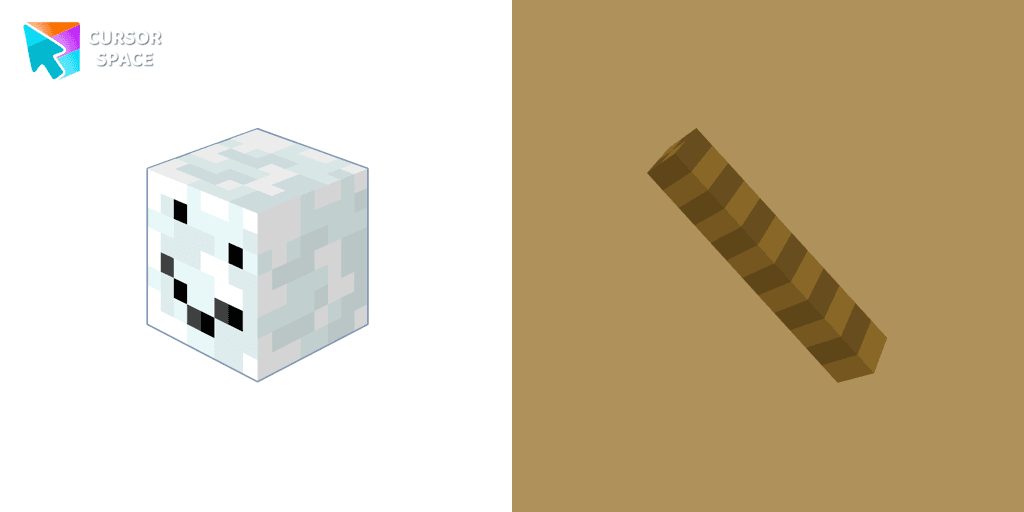
Enhance your browsing experience with the authentic Snowman custom cursor, inspired by Minecraft.
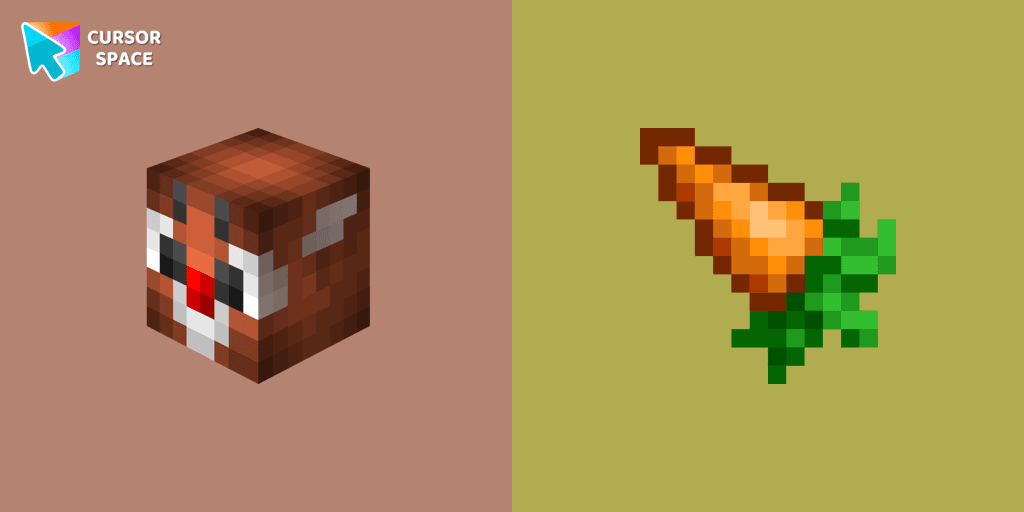
Christmas rabbit custom cursor in Minecraft style is sure to appeal not only to fans of the popular game.

Enjoy the New Year's tradition of toasting with our pixel-style Champagne custom cursor.

Get into the holiday mood with a cute and fun Christmas Gingerbread custom cursor, perfect for bringing a bit of festive joy to your digital experience.
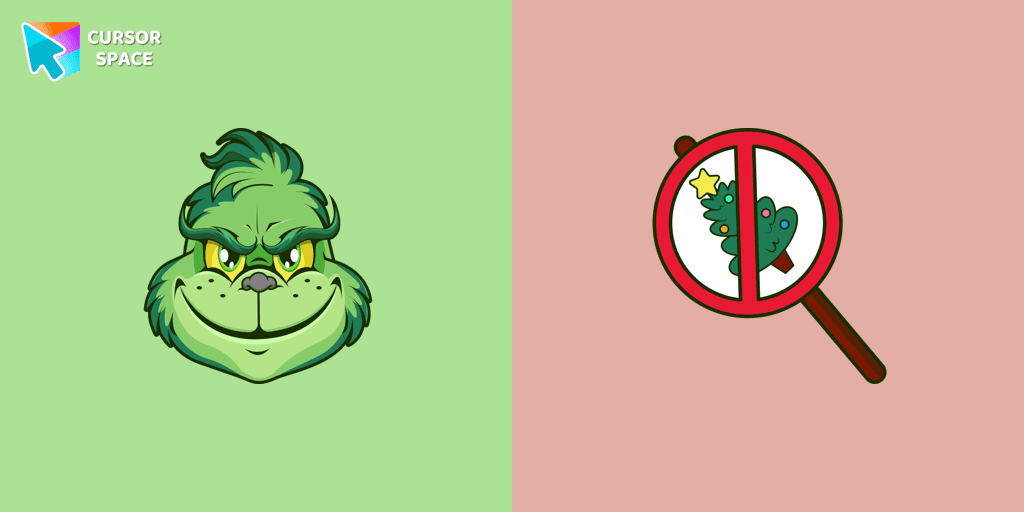
Angry Grinch as a custom cursor for the mouse and pointer from our Merry Christmas and Happy New Year cursor collection.
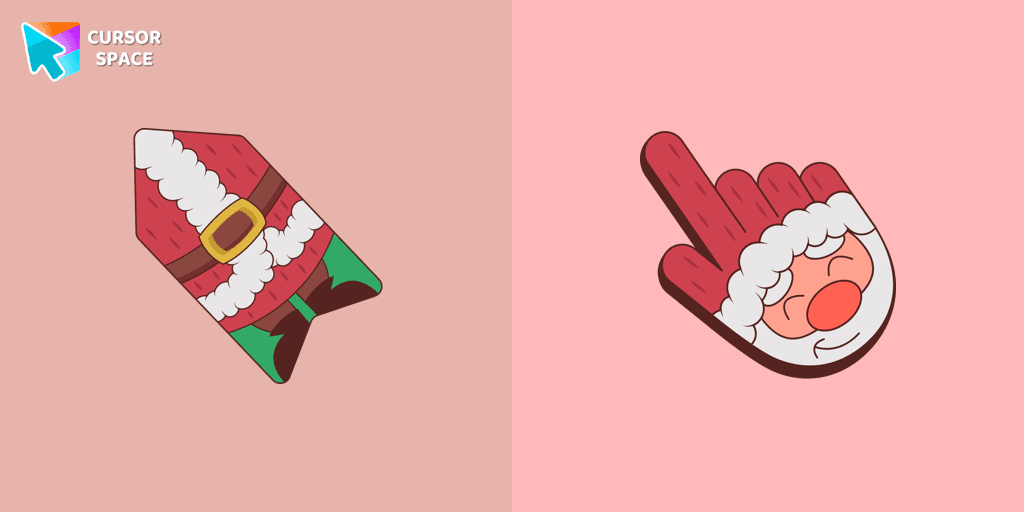
This unique Santa Claus cursor is part of an exclusive collection of festive Merry Christmas and Happy New Year cursors for the Chrome browser.

We have designed the Christmas Deer cursor for the mouse and pointer in a familiar style, enhanced with a New Year's theme.
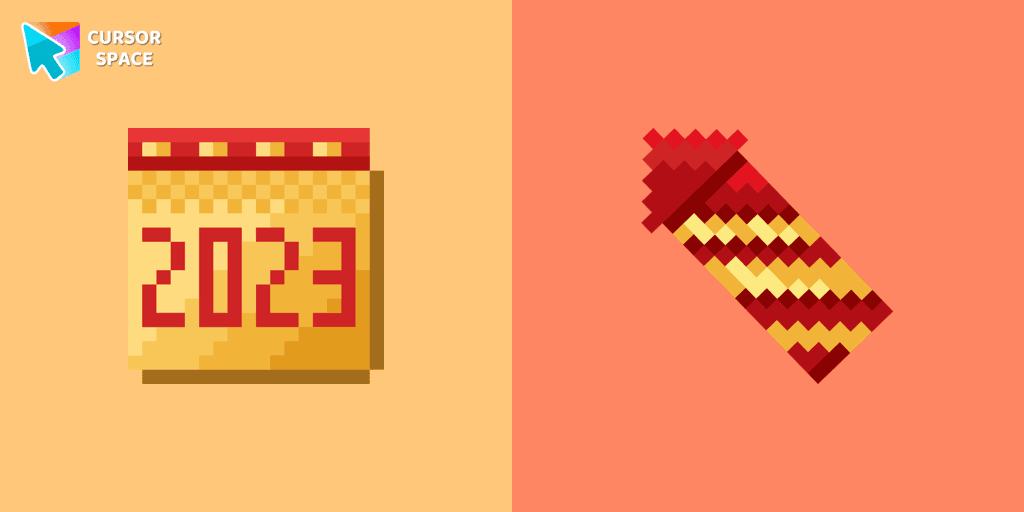
A calendar-themed custom cursor in pixel style is the perfect addition to celebrate the New Year.
Add packs instantly and unlock access to thousands of cursors: neon, anime, pixel-art, and more. Fast, safe, and free.
Cursor Space is an extension for changing your mouse cursor in Chrome and Edge browsers: themed collections, HiDPI icons, neon, animated, and pixel cursors, with quick installation.