
Among Us Strawberry Character Cursor
Description
Are you looking for a custom cursor that's both cute and delicious? Look no further than the Among Us Strawberry Character cursor! This delightful cursor features an adorable strawberry character from Among Us, bringing sweetness and charm to your computer screen.
The Among Us Strawberry Character cursor is all about showcasing cuteness and playfulness. With its vibrant red color, cute eyes, and green stem, the strawberry character instantly captures the hearts of fans. The merging of this delightful fruit with the popular game Among Us creates a unique and endearing cursor that will brighten up your screen.
What's included in the package
- Default Cursor
- Pointer (Hand)
How to install a custom cursor pack Among Us Strawberry Character Cursor
Install the Cursor Space extension for Chrome or Cursor Space for Edge in your browser.
On this page, click "Add this cursor pack to the extension".
Open the extension and go to the Packs tab.
Find the custom cursor pack "Among Us Strawberry Character cursor" and click it.
Enjoy!
Ready to install?
Get this cursor pack and thousands of others by installing our extension. It's fast and free!
About this cursor pack
Among Us Strawberry Character Cursor is a themed cursor pack you can add to your browser to personalize your pointer across common cursor states (default and pointer). Use it for everyday browsing, streaming, studying, or gaming-anywhere you want your cursor to match your vibe.
Instant preview
See how the cursors look before installing.
Easy install
Add the pack to the extension in a few clicks.
Works in your browser
Designed for Chrome and Edge via the extension.
FAQ
Quick answers to common questions about cursor packs, collections, and installation.
Do I need an extension?
Yes. To apply cursor packs in Chrome or Edge, install the Cursor Space extension and add this pack to it.
Which browsers are supported?
Cursor packs are designed for Chromium browsers like Chrome and Microsoft Edge.
How do I switch back to the default cursor?
Open the extension, choose another pack or disable the current one to return to your default cursor.
Popular cursors today
Custom cursor and packs - neon, anime, pixel art. Quickly add to Chrome and Microsoft Edge for free
Top 1 Top 2 
Among Us Squid Game Killer Doll Character cursor
78FreeBring the fun of both Among Us and Squid Game to your screen with the custom cursor for Google Chrome. Download the Among Us Squid Game Killer Doll Character now!
Top 3 
Chi Chai Monchan cursor
82FreeIs a Sanrio character who is a monkey. If you want to change the default cursor to Chi Chai Monchan, you are welcome to our collection of cursors Hello Kitty in a variety of moods.

Orange gradient cursor
2.0kFreeUpgrade your browsing with the Vibrant Orange Gradient Cursor. This custom cursor offers a seamless orange gradient, merging style with functionality
Pikachu Pixel cursor
92FreeCute Pixel custom cursors collection for Chrome gives you an opportunity to change the usual cursor to Pikachu Cursor in a cool pixel design.

Ring cursor
128FreeEnhance your desktop with The Ring custom cursor. Its sleek, animated ring design adds elegance and focus to your workflow.
Kylo Ren cursor
101FreeTransform your cursor with our Kylo Ren cursor, featuring the intimidating and iconic character from Star Wars. Add a touch of power and darkness to your browsing experience with this custom cursor.
Foxy cursor
0FreeIt’s a new look on our most famous foxy cursor for mouse and pointer. New red fox custom cursor is presented in our adorable animals custom cursors collection for Chrome.

Default Green Pixel cursor
79FreeDefault Green Pixel Cursor is a custom cursor from our custom cursors collection for Chrome.
Butch cursor
98FreeAdd some humor to your mouse pointer with our funny Butch Cat custom cursor from the Tom & Jerry collection for Chrome.
Collection hits
Installation leaders from "Among Us cursors": free packs, neon/anime/pixel art, quick add to Chrome and Edge.
Top 1 
Among Us Son Goku Character cursor
1.3kFreeThe Among Us Son Goku Character cursor is an exciting addition to the browser cursor collection.
Top 2 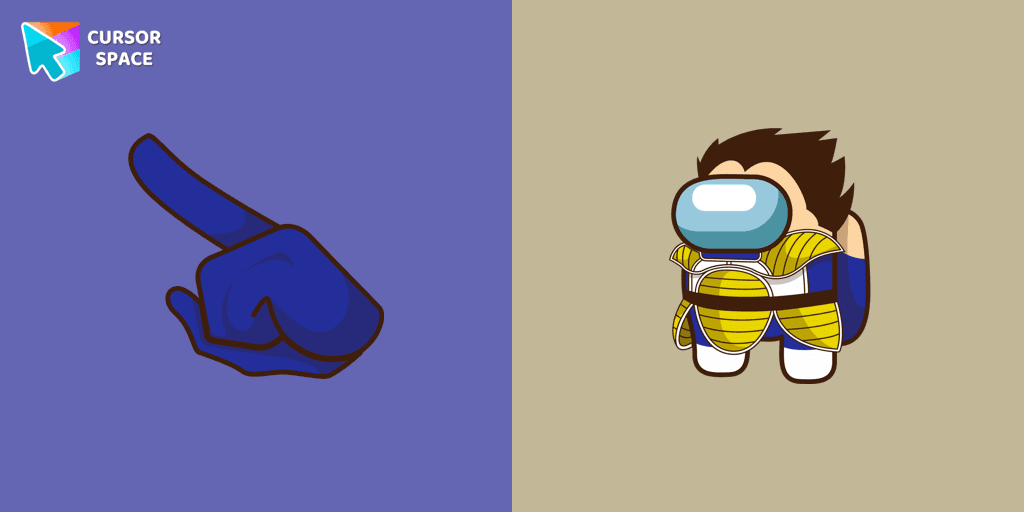
Among Us Vegeta Character cursor
879FreeAdd a dynamic touch to your browsing with the Among Us Vegeta custom cursor for Google Chrome. Perfect for Dragon Ball and Among Us fans!
Top 3 
Among Us Kakashi Hatake Character cursor
307FreeIntroducing the Cute Among Us Kakashi Hatake Character Cursor: A Perfect Blend of Two Favorites!

Among Us Pokemon Character cursor
289FreeAdd a touch of fun to your browsing with a custom cursor for Google Chrome featuring vibrant orange Pokémon characters like Charmander and Infernape.

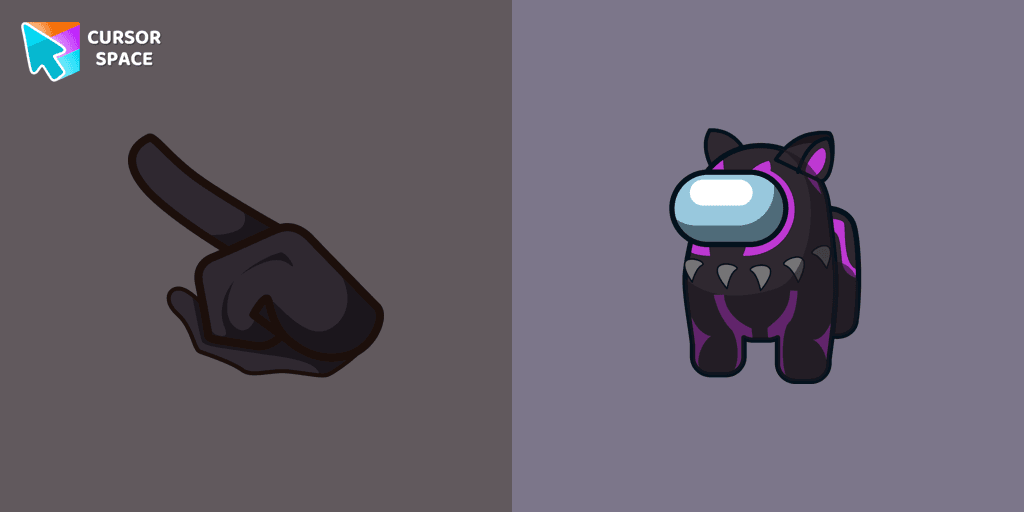
Among Us Black Panther Character cursor
206FreeThe Black Panther character cursor has become a highly sought-after customization option in Among Us.
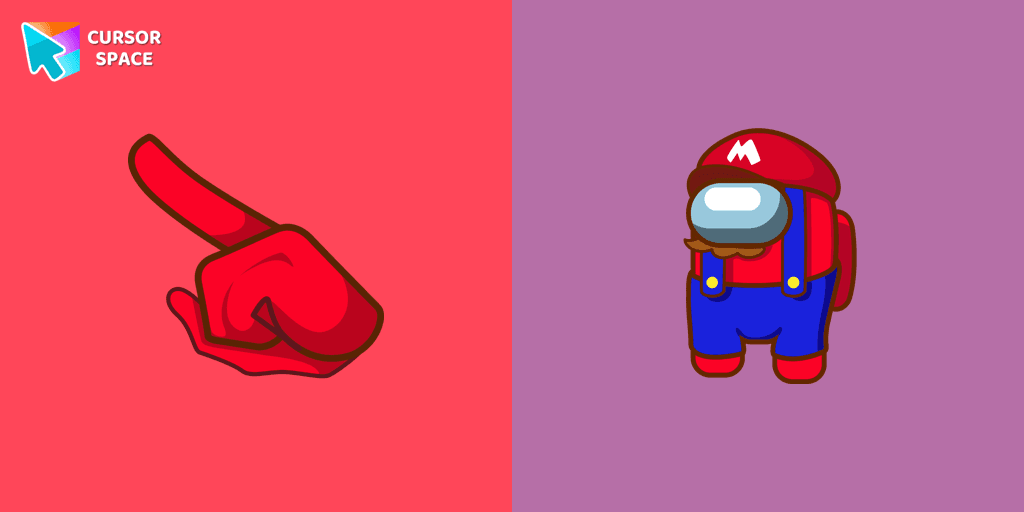
Among Us Super Mario Character cursor
194FreeIn the vast array of cursors available, let's not overlook the vibrant red Super Mario characters.

Among Us Son Goku Character cursor
180FreeEnter the World of Dragon Ball with the Among Us Son Goku Character Cursor
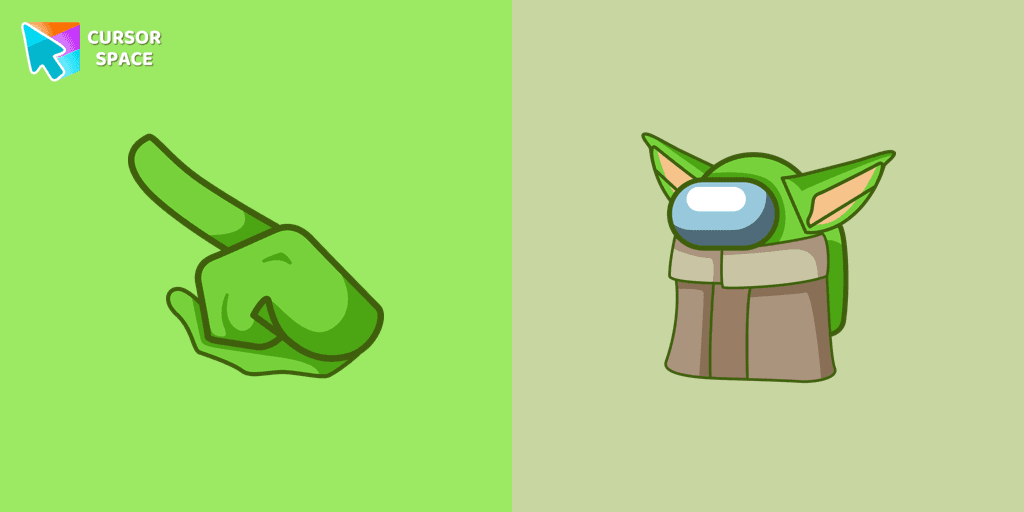
Among Us Baby Yoda Character cursor
177FreeAmong Us Baby Yoda Character Cursor - Unleashing the Cuteness and Mischief in Outer Space
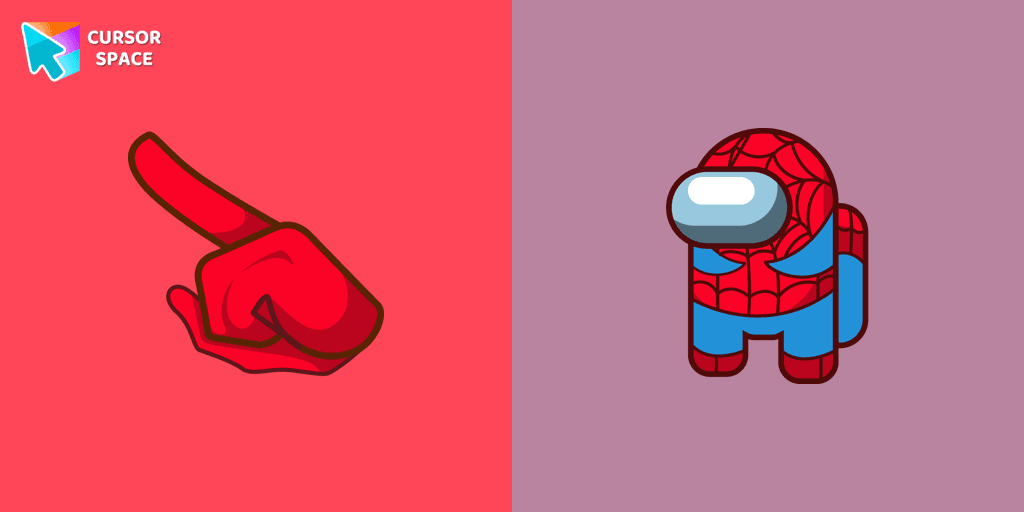
Among Us Spider-Man Character cursor
175FreeSwing into Action with the Among Us Spider-Man Character Cursor
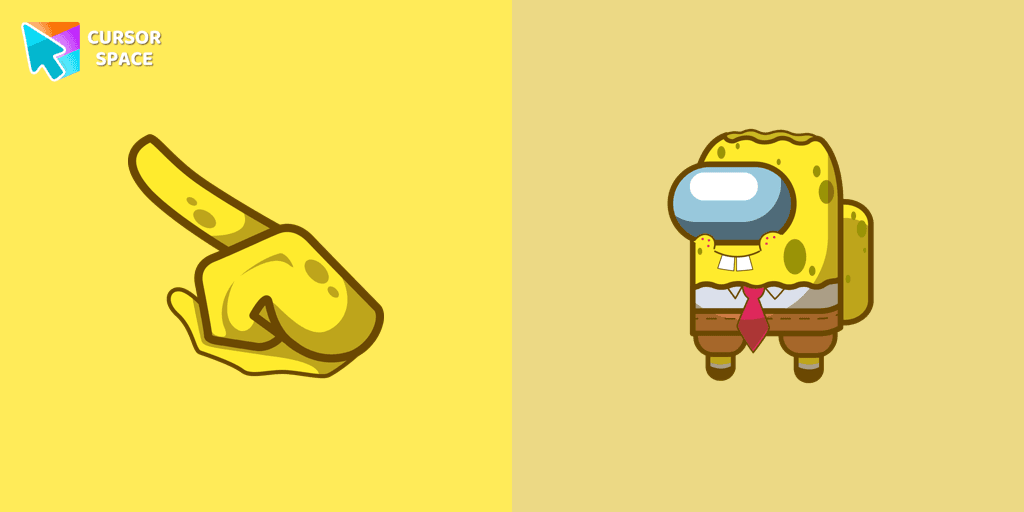
Among Us Spongebob Character cursor
173FreeOur collection of custom cursors for Chrome now features the Among Us Spongebob Character cursor.

Among Us Red Character cursor
173FreeAmong Us players have the option to select from a variety of colors to customize their in-game characters. In fact, there are 18 different hues available for selection in the game lobby.
Install Cursor Space - A Collection of Custom Cursors for Chrome & Edge
Add packs instantly and unlock access to thousands of cursors: neon, anime, pixel-art, and more. Fast, safe, and free.
- Free cursor packs
- HD/HiDPI & animated icons
- Quick browser installation
Cursor Space is an extension for changing your mouse cursor in Chrome and Edge browsers: themed collections, HiDPI icons, neon, animated, and pixel cursors, with quick installation.